Add Actions to Dashboard Pages with Action Link Menus
You may want to offer several action links on your dashboards. Use menus to group your links together and keep things organized.
For example, you can give sales consultants a Related Information menu on the Sales Performance dashboard with useful links, such as an external Opportunity web site or a related Brand Revenue dashboard.
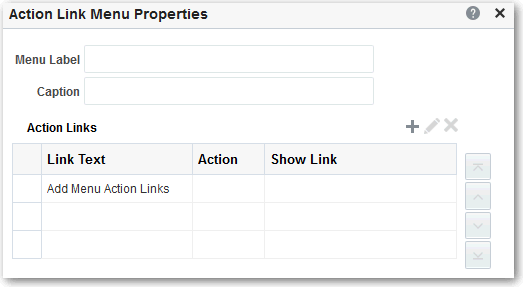
- Click Properties for the new menu.