Make Interactions Available
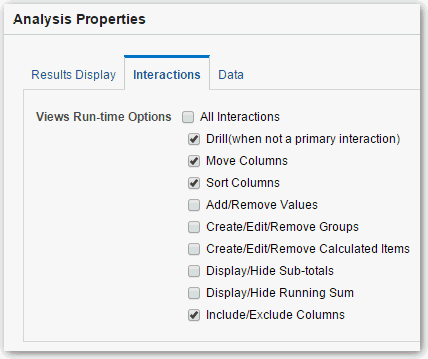
When you add interactions to analyses, you then make those interactions available to others in popup menus.
- Click the Interactions tab.
When you add interactions to analyses, you then make those interactions available to others in popup menus.