Viewing Reconciliation Action Rules
After you create the application by using connector, you can view the reconciliation action rules for groups by performing the following steps:
- Log in to the Design Console.
- Expand Resource Management, and double-click Resource Objects.
- Search for and open the GCP Group resource object.
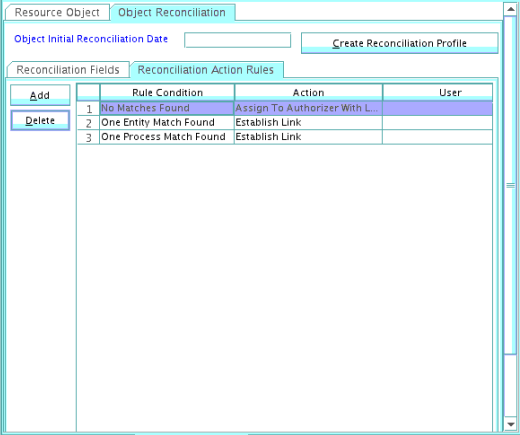
- Click the Object Reconciliation tab, and then click the Reconciliation Action Rules tab. The Reconciliation Action Rules tab displays the action rules defined for this connector.
shows the reconciliation action rules for groups.
Figure 5-2 Reconciliation Action Rules for Groups