Viewing Reconciliation Rules
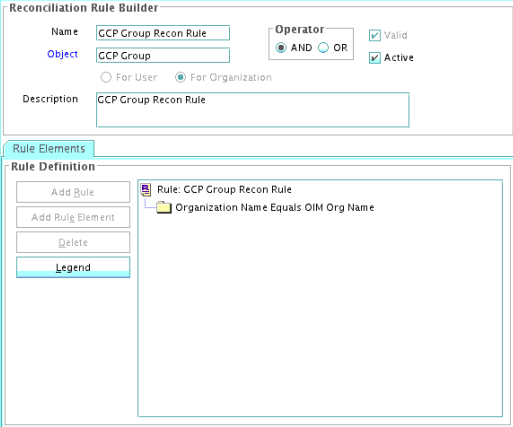
After you deploy the connector, you can view the reconciliation rule for reconciliation by performing the following steps:
Note:
Perform the following steps:
- Log in to the Oracle Identity Manager Design Console.
- Expand Development Tools.
- Double-click Reconciliation Rules.
- Search for the GCP Group Recon Rule.