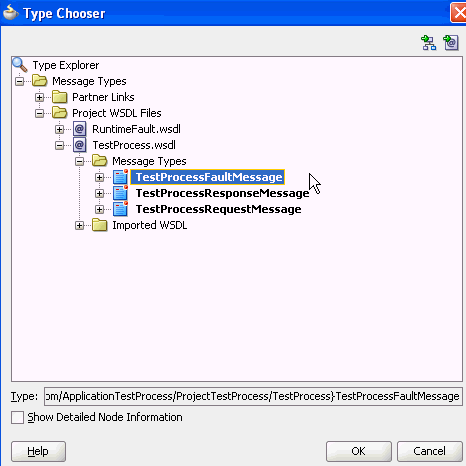
Create a Fault Response Variable To create a fault response variable: In the Structure window, right-click the Variables folder and select Create Variable. In the Name field, enter Faultresponse. Select Message Type. For the Message Type field, click the Browse icon. Expand Message Types > Project WSDL Files > TestProcess.wsdl > Message Types > TestProcessFaultMessage, and click OK. Figure 12-6 provides details. Figure 12-6 Type Chooser DialogDescription of "Figure 12-6 Type Chooser Dialog" In the Create Variable dialog, click OK.