创建规则的用户请求
下面是创建 10 个规则并将其添加到名为 "Alternative SVC Allocations" 的模型和名为 "IT Service Chargeout" 的规则集的用户请求示例。规则的 "Sequence" 在一行中设置,并且 "Enabled" 指定一次。
Create rules in Model 'Alternative SVC Allocations' Ruleset 'IT Service Chargeout'
'End User Services'
'Infrastructure Services'
'Network Services'
'Cloud Services'
'Application Support and Maintenance'
'IT Security Services'
'Telephony and Unified Communications'
'IT Project Services'
'Data and Analytics Services'
'IT Governance and Compliance'
Sequence 10,20,30,40,50,60,70,80,90,100
Enabled 'Yes'
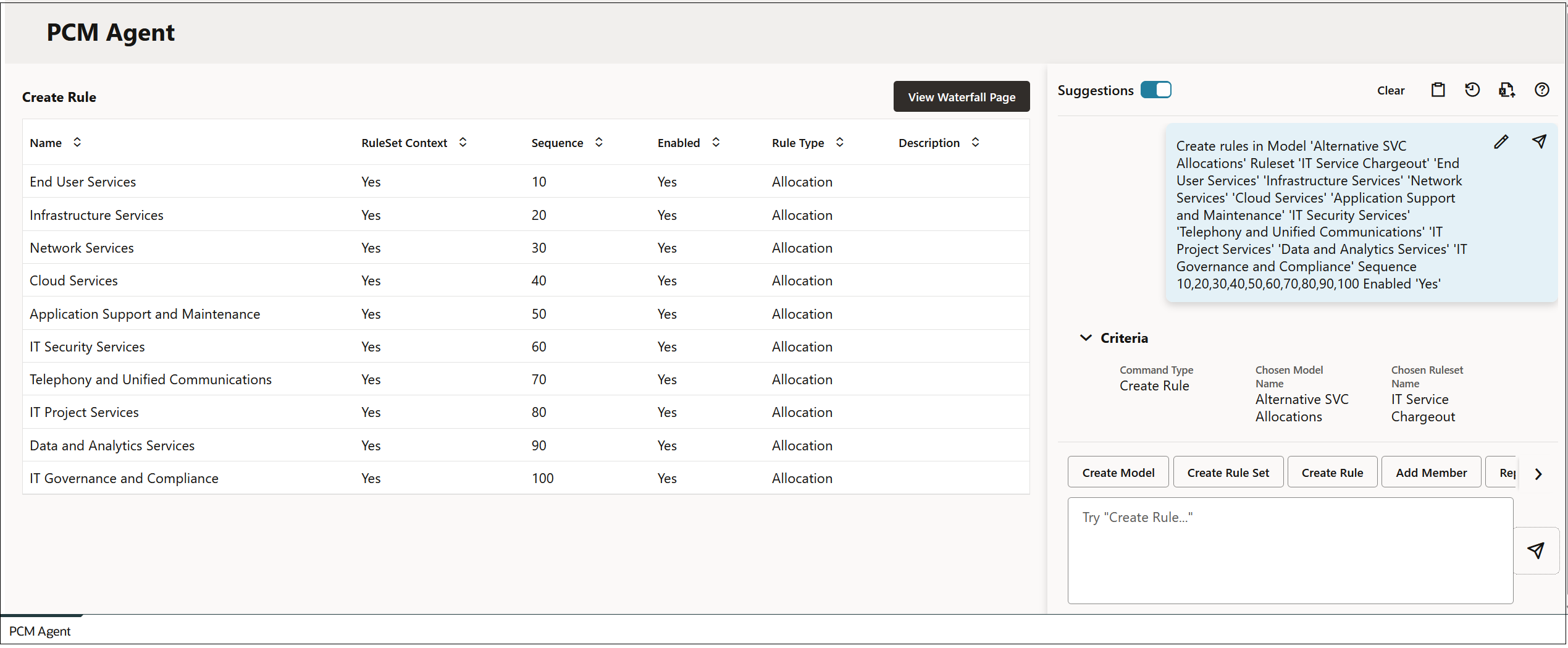
输入用户请求并单击  (发送)后,将在 PCM 代理页面中更新请求信息。
Figure 14-8 规则预览
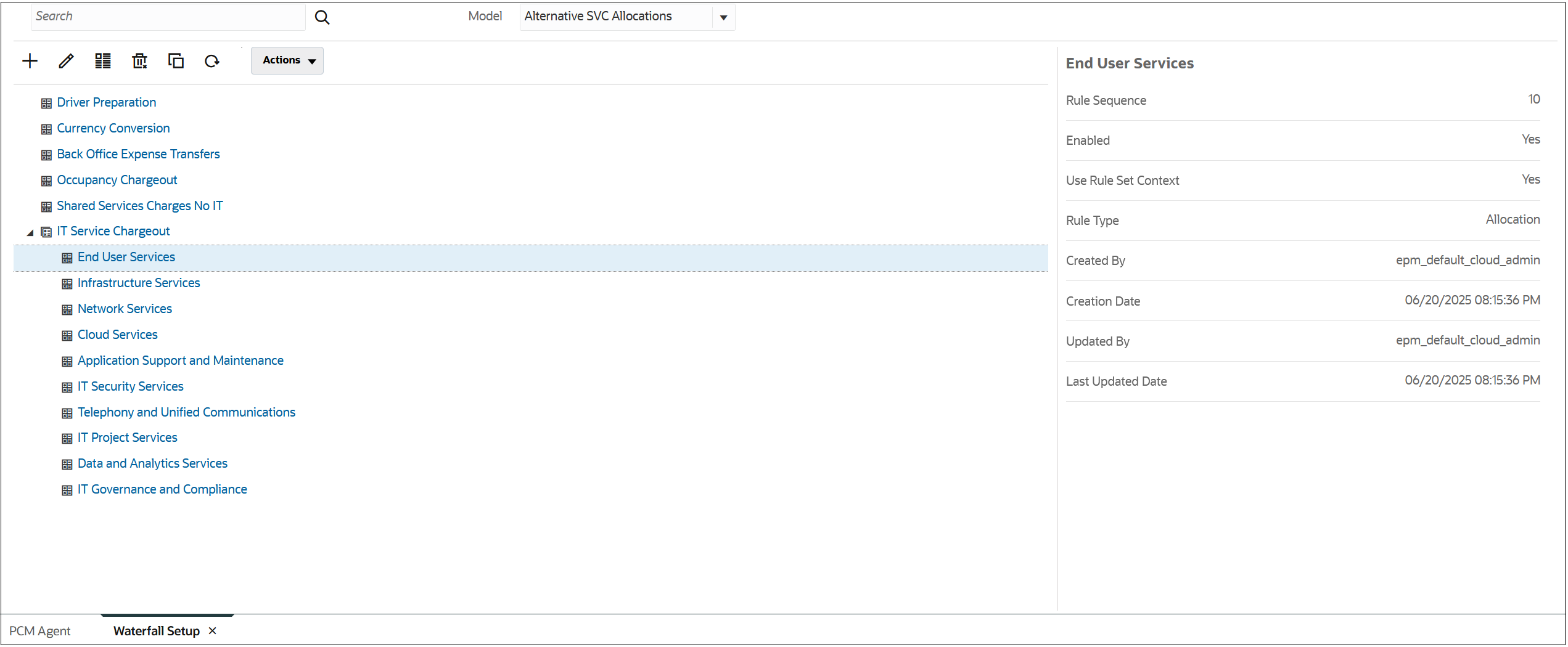
依次单击运行命令和查看瀑布页以查看新规则。
Figure 14-9 规则结果