Product Workbench HTML UI Built Using Oracle JET
Transform how you manage product data by using the HTML-Based Product Workbench. This enhancement introduces an HTML-based interface, enabling product managers to visually review, edit, and manage product structures (bills of material) directly within a web browser, offering a modern, accessible, and seamless user experience.
This feature can increase accessibility, reduce dependency on specific operating systems or software installations, and enhance productivity through a user-friendly, web-based environment. It addresses the broader industry need for flexible, platform-independent tools in product lifecycle management, particularly in manufacturing and engineering sectors where stakeholders often work across diverse locations and devices.
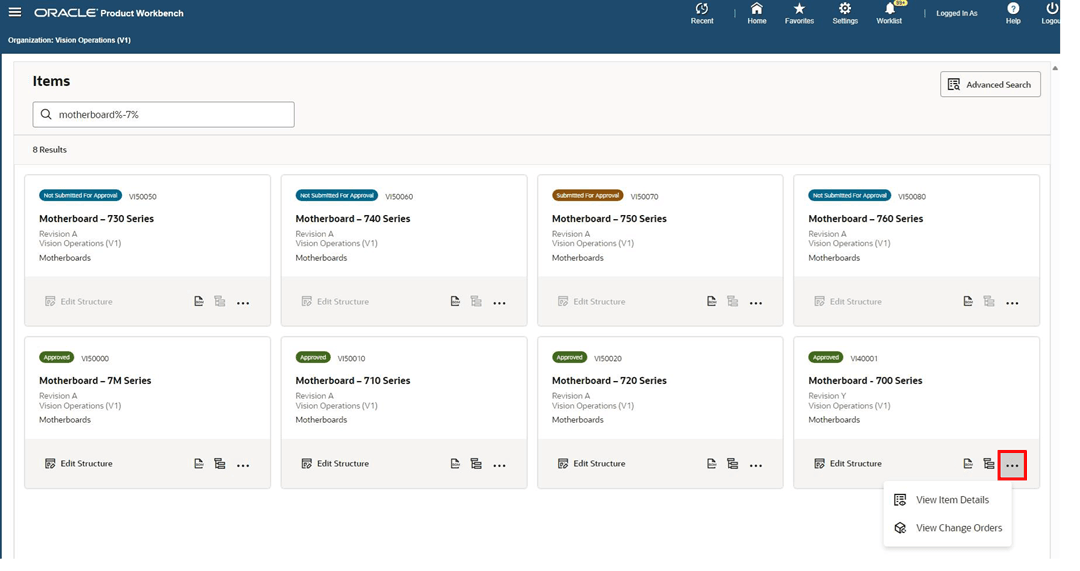
Product Workbench HTML Page
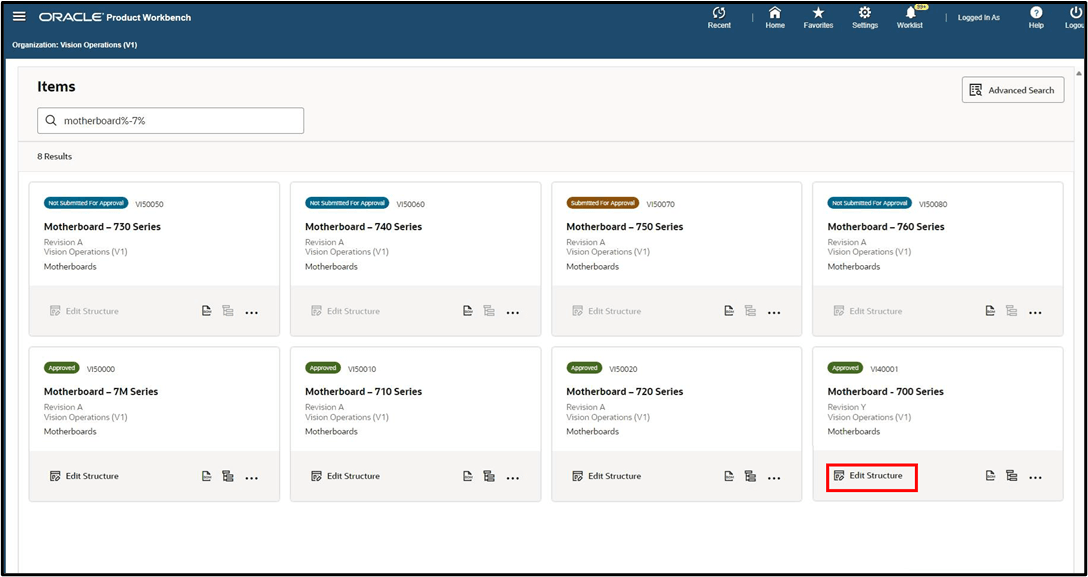
Product Workbench HTML Page - Edit Structure
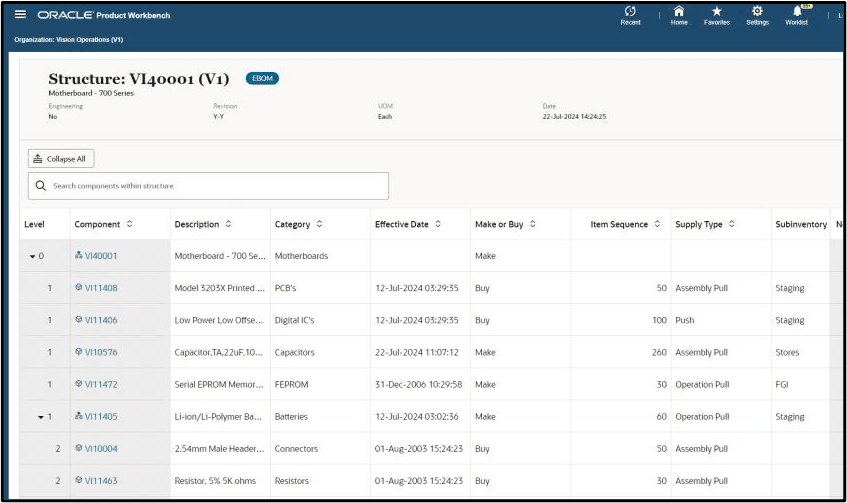
Product Workbench - Structures
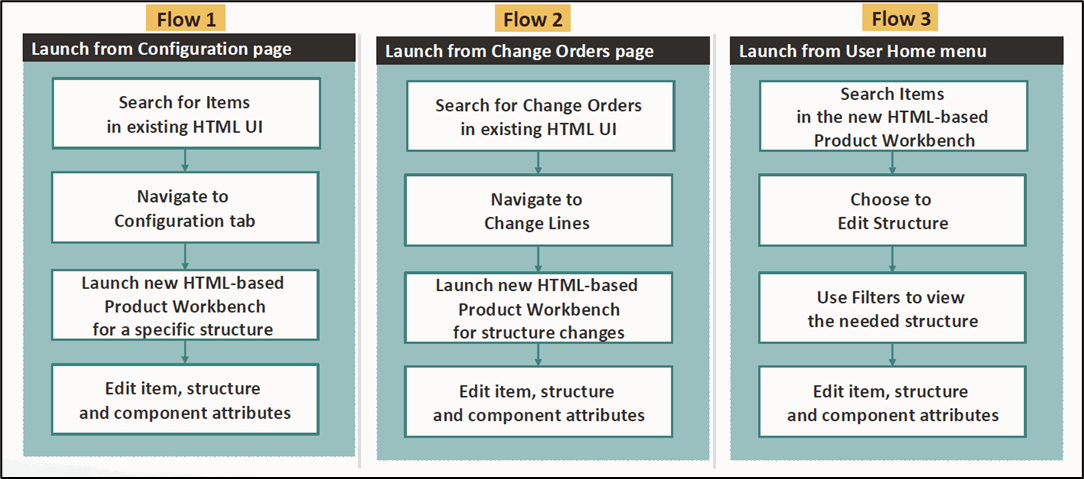
Product Workbench - Navigation
Steps to enable and configure
- Apply the HTML-Based Product Workbench Patch. Refer to My Oracle Support Knowledge Document KB876030, Applying the HTML-Based Product Workbench Patch.
- Assign the Product Workbench Access Role to users.
Tips and considerations
- Verify that browsers meet the compatibility requirements for the HTML-based Product Workbench to ensure a consistent experience across devices.
- Train users on navigating between the HTML-based Product Workbench and existing Oracle Product Hub UI for tasks like advanced item searches or change order management.
- Utilize role-based security and change policies to manage permissions for viewing, editing, and changing product structures, ensuring data integrity and compliance.
Key resources
- Oracle Product Hub Implementation Guide
- Oracle Product Hub User's Guide
- Using the HTML-Based Product Workbench (chapter)