Creating Linux Instances as VMs in Oracle Cloud Infrastructure
This section shows you how to create Linux instances as virtual machines (VMs) in the Compute Service of Oracle Cloud Infrastructure.
Background
Oracle Cloud Infrastructure Compute enables you to provision and manage compute hosts, known as instances.
For additional information refer to Creating an Instance in the Oracle Cloud Infrastructure Documentation.
In preparation for JD Edwards EnterpriseOne One-Click Provisioning, you must create Linux VM instances in Oracle Cloud Infrastructure Compute for each of these core JD Edwards EnterpriseOne servers:
- Oracle Database ServerNote: A Linux VM instance is required for this server if you are installing your own Oracle database (Bring Your Own License - BYOL) in Oracle Cloud Infrastructure Compute. Otherwise, you can use Oracle Database Services.
- Enterprise Server
- WebLogic Server
Prerequisite
- The user interface for the Oracle Cloud Infrastructure Console is constantly evolving. For the most up-to-date descriptions and navigation, refer to Get to Know the Console.
- You should have a fundamental understanding of Oracle Cloud Infrastructure. It is highly recommended that you review the extensive collateral information, including training, at this site: Oracle Cloud Infrastructure
- You must have a subscription to Oracle Cloud Infrastructure and an Administrator account in the platform. For more information, refer to Getting Started with Oracle Cloud.
- To access the Oracle Cloud Infrastructure Console, you must use a supported browser. See Supported Browsers in Troubleshooting Signing In to the Console.
Creating Linux Instances as VMs
With these exceptions, the procedure for creating a Linux instance as a VM is specified in the section: Creating the Linux Instance for the One-Click Provisioning Server:
- Supported shapes are those which meet the OCPU and memory requirements listed in the section of this Learning Path entitled: Minimum Resource Requirements.
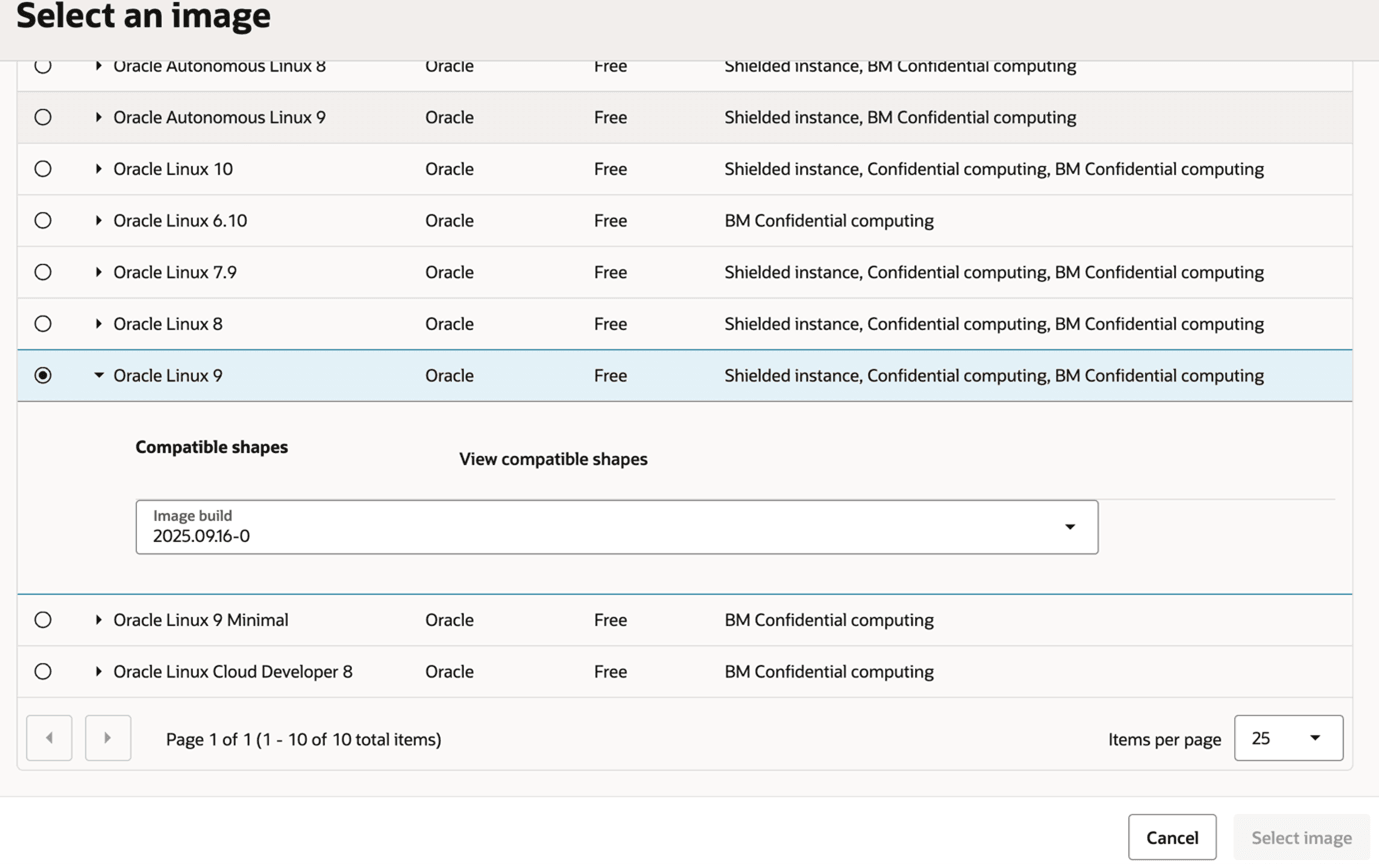
- Instead of having the requisite Operating System version automatically selected when you are installing from a Marketplace image for the Provisioning Server, you must manually select a specific image that is certified with JD Edwards EnterpriseOne. Refer to the Supported Software Versions section of this Learning Path for the supported release of Oracle Linux.
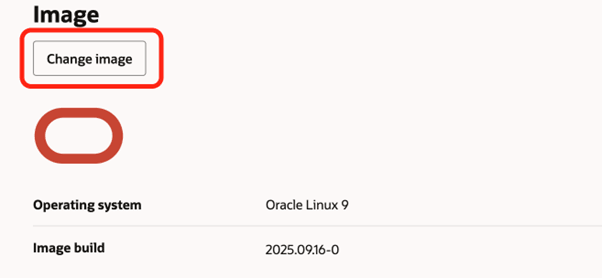
- On Create Compute Instance, in the Image section, click the Change
Image button.
- On Browse All Images:
- In the Image name column, click the Oracle 9 Linux checkbox.
- In the Image build column, use the pull-down to select the latest
build.