Converting Your Private SSH Keys to .ppk Format
This procedure describes how to convert the private key to .ppk format, which is the format required to connect to the Provisioning Server.
Prerequisite
You must have created a private SSH key by following the procedure described in the preceding OBE "Generating Instance Key Pairs in openssh Format" of this Learning Path.
Converting Your Private SSH Keys to .ppk Format
Use this procedure to convert your private SSH keys to .ppk format.
- Run the puTTygen program.
- From the Conversions menu item, select Import key.
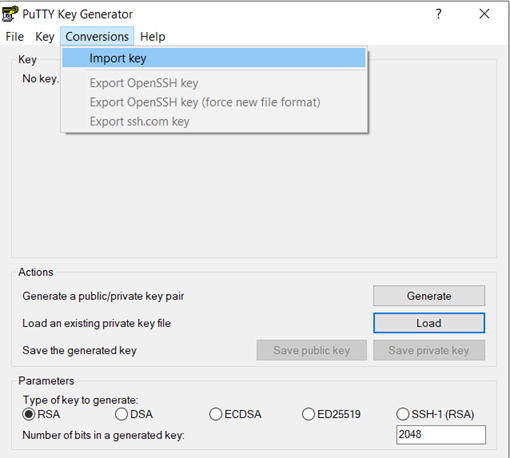
- Browse to select the private key, which should be named: Bastion.openssh.
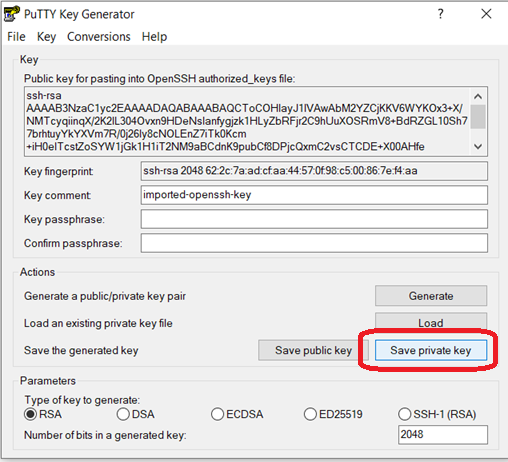
- Click the Save private key button.
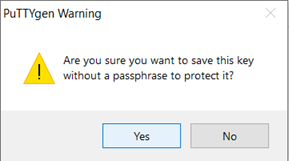
- In the PuTTYgen Warning dialog box, click the Yes button.