Running the 3C Engine Process
Access the 3C Engine Parameters page ().
This example illustrates the fields and controls on the 3C Engine Parameters page.
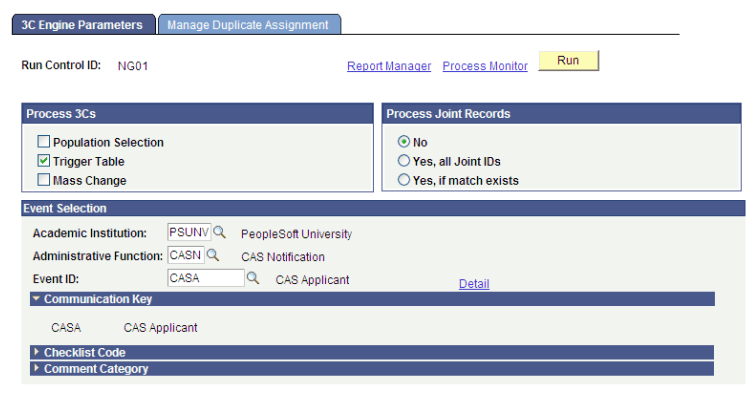
Run the 3C Engine process for each of the Event IDs defined on the PBI Configuration page. The process assigns communications, comments and checklists associated with the Event ID to the ID of the applicant or student.
Assigned communications can be reviewed on the Person Communication page. To navigate to the Person Communication page, select .