Step 8: Refresh HCM Registry Cache
Procedure:
-
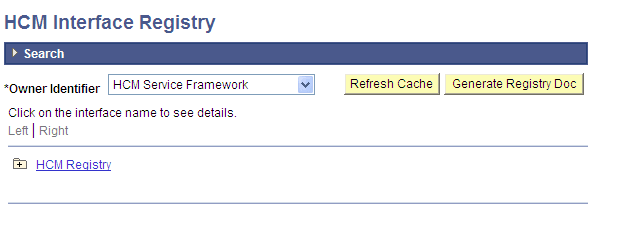
Access the HCM Interface Registry page ().
This example illustrates the fields and controls on the HCM Interface Registry page.
-
Click the Refresh Cache button.
Note:
The message Processing displays and remains on the page. There is no other message displayed.