Business Process Purge Page
Use the Business Process Purge page (BPW_PURGE_REQ) to set up the options to purge the business process instance data.
Navigation:
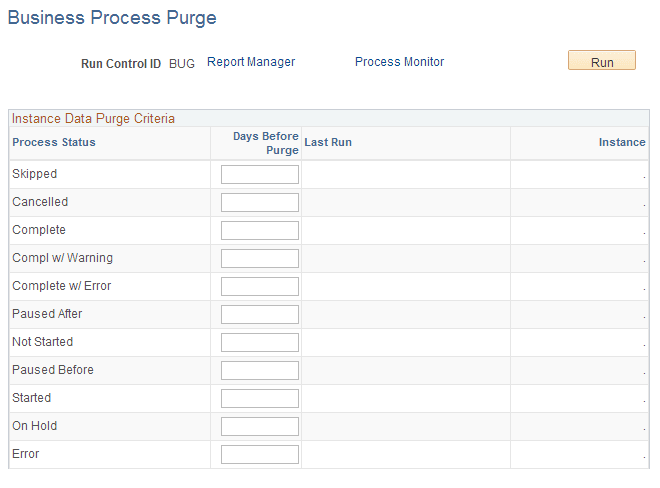
This example illustrates the fields and controls on the Business Process Purge page. You can find definitions for the fields and controls later on this page.
-
Run Control ID, Report Manager, Process Monitor, and Run are the common fields that exist on other Process Scheduler run control pages. When you click the Run button, you can schedule and run the Application Engine process, BPW_PURGE, with business process instance data specified.
-
Process Status - The process status of the business process instances to be purged.
-
Days Before Purge – Enter the number of days that must pass since the last status update on the business process instances before the data will be deleted.
-
Enabled - Select this check box to enable this option. It is available only if Days Before Purge are specified.
-
Last Run, Instance - If the data purge executed previously, then these fields indicate the date/time stamp and the Process Instance. Instance is a link that takes you to the Process Monitor (as a modal component).