ChartField Security Options Page
Use the ChartField Security Options page to add the new ChartField (that was created by the ChartField Configuration Utility).
Navigation:
.
This example illustrates the fields and controls on the Security Options - ChartField Security. You can find definitions for the fields and controls later on this page.
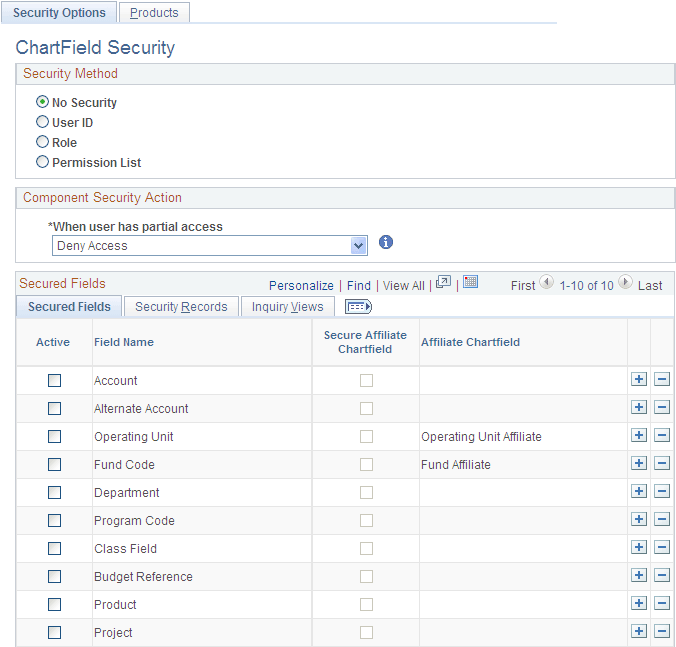
See Security Options - ChartField Security Page.
Complete the following steps:
-
Secured Fields tab - Add a new row and select the new ChartField from the prompt list. Select the Active check box to enable ChartField Security for that ChartField.
-
Security Records tab - Select the Chartfield Security tables for the user, role and permission list for the new ChartField. The ChartField Security tables store the secured ChartField values. These tables are created by the ChartField Configuration process when the new ChartField is created.
-
Inquiry Views tab - Select the ChartField Security inquiry views for the user, role and permission list for the new ChartField. These views are used by the Security Values page to display the secured values. These tables are cloned by the ChartField Configuration process.