Transferring Operating Leases
This topic describes how to transfer an operating lease.
Page Used to Transfer Operating Leases
| Page Name | Definition Name | Usage |
|---|---|---|
|
LEASE_OPER_TFR_01 |
Transfer an operating lease, for example, from one department to another. |
Operating Lease Chartfields Page
Use the Operating Lease Chartfields page (LEASE_OPER_TFR_01) to transfer an operating lease, for example, from one department to another.
Navigation:
This example illustrates the fields and controls on the Operating Lease Chartfields page. You can find definitions for the fields and controls later on this page.
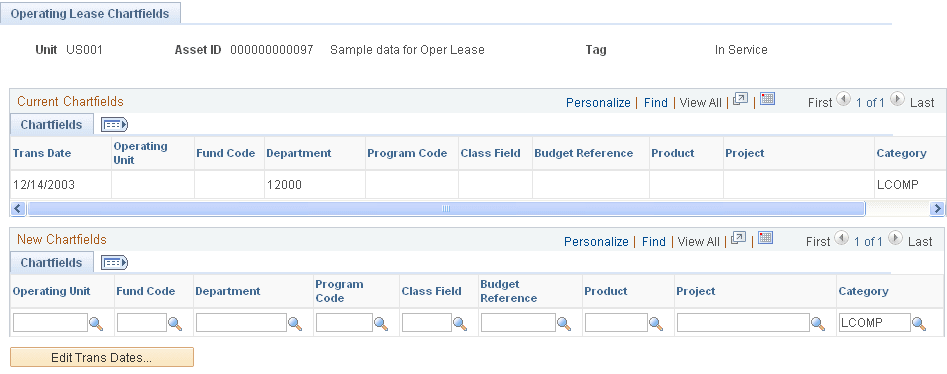
This page displays the current ChartFields for the lease.
Use the New Chartfields section to change the Oper Unit(operating unit), Fund Code, Department, Program, Class Field, Budget Reference, Product, Project,and Category. The Category field is required for an operating lease.
Click the Edit Trans Dates button to change the transaction date.
Note:
Financial transactions cannot be performed on the Lease Administration Lease Assets through Asset Management.