Message Detail Page
Use the Message Detail page to review message content about your Fluid eBill Payment account and add a response.
Navigation:
Select a message row in the Messages grid.
This example illustrates the fields and controls on the Message Detail page. You can find definitions for the fields and controls later on this page.
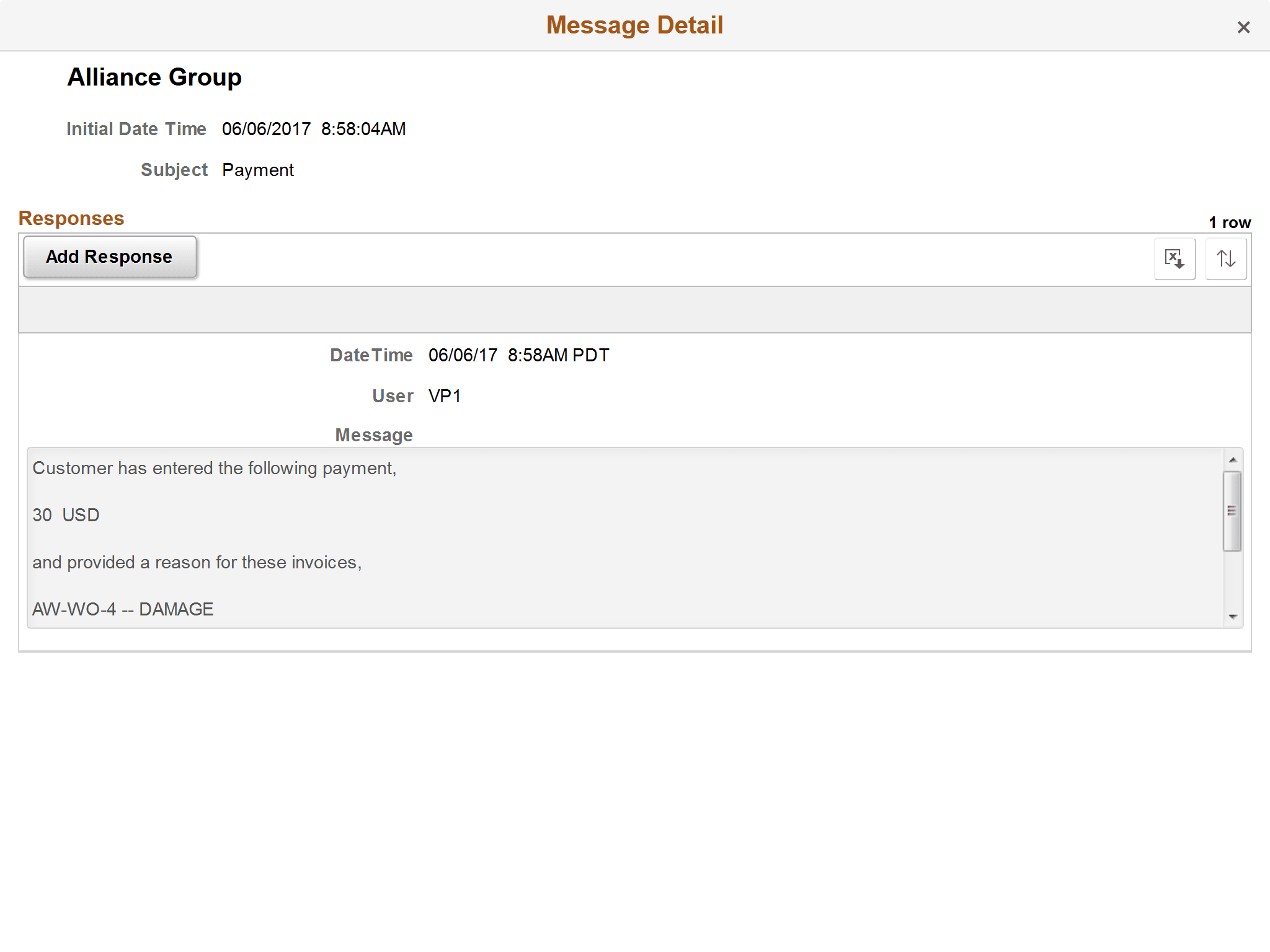
The message details include message and response timestamps, message text, and subject of the message.
| Field or Control | Description |
|---|---|
|
Add Response |
Click this button to open the Add Response page (EB_ADD_RESP_SCF), where you can create a message to continue this conversation. |
|
|
Select the Sort Messages button in the small form factor design to sort messages by the message fields, such as by date, user, or message. If a sorting option has been selected, the sort button is green. |
