Default Entry Page
Use the Default Entry page (PV_MOBREQ_ENTRY_FL) to enter the business unit and requester ID.
Navigation:
This example illustrates the fields and controls on the Default Entry page.
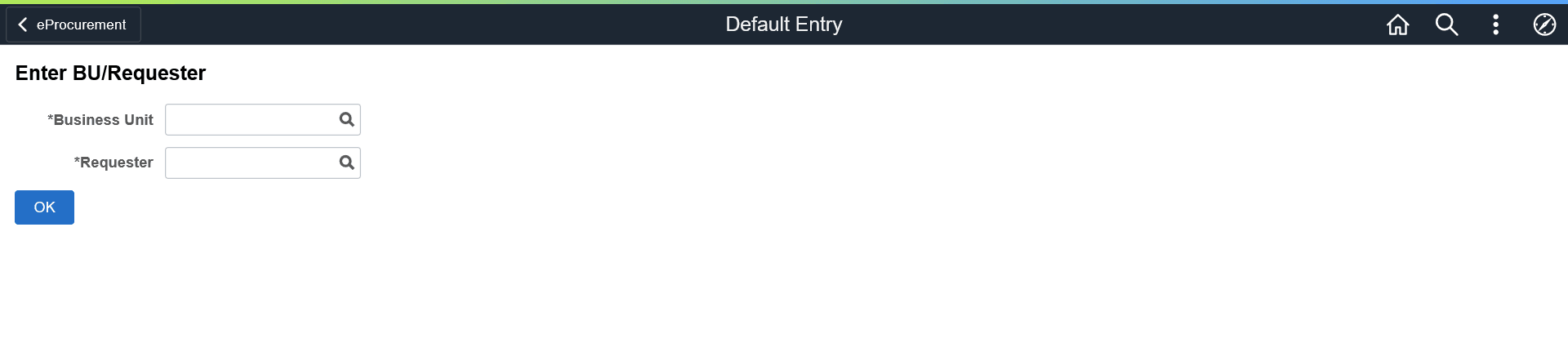
If you have already specified the business unit and requester ID on the User Preferences – Procurement page, this page does not display.
After entering the details, you can proceed with creating requisitions. If you have already defined the business unit and requester ID on the User Preferences – Procurement page, and enabled the LAND_ON_REQ_SETTINGS_PG role action on the Assign Role Action To Roles page, the Requisition Defaults page is displayed as the landing page.
Note:
If you do not have the authority to add requesters, the system displays a message, in which case you can contact the Administrator to get the authorization.