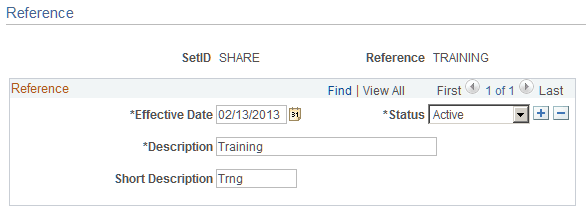
Setting Up References Pages Used to Set Up References Page Name Definition Name Usage Reference Page EX_REFERENCE Create references that help to identify and track expense reports. Reference Page Use the Reference page (EX_REFERENCE) to create a reference code that can be used when identifying or tracking expense reports. Navigation: Set Up Financials/Supply Chain, and then Product Related, and then Expenses, and then Reference Travel and Expenses, and then Travel and Exp Admin Center, and then Additional Required Data, and then Reference This example illustrates the fields and controls on the Reference page.