Subsystem Details Page
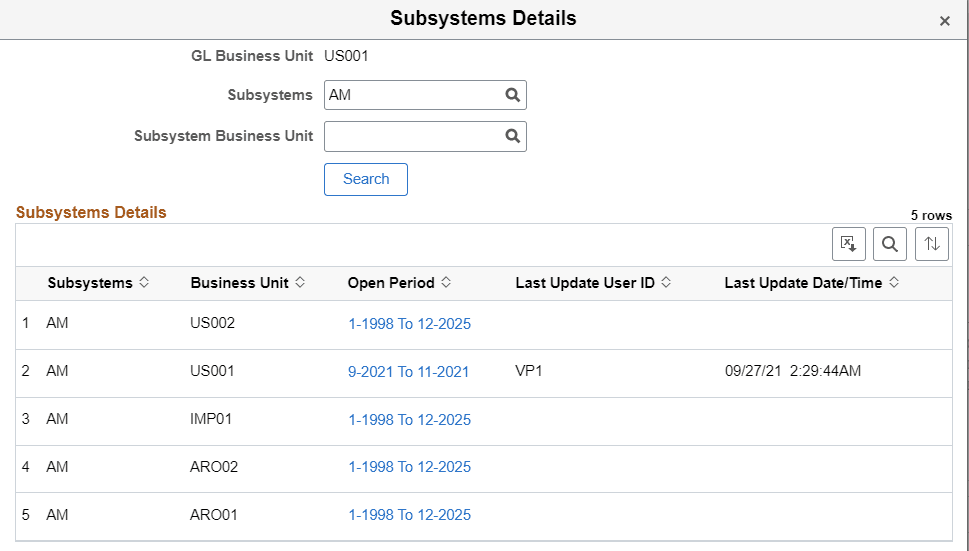
Use the Subsystem Details page (GL_APP_BU_DTL_SCF) to view the open period of all subsystems for a business unit.
Navigation:
From the Period Close Visualization page, level 3 - Full view, select a subsystem link.
This example illustrates the fields and controls on the Subsystem Details page using the Full View option.
| Field or Control | Description |
|---|---|
|
Open Period (column) |
Select the date range link in this column to access the Application Fundamentals: Open Period Update Page where you can define or modify open periods for a subsystem business unit. |