Product Definition Page
The following section details the Integration Broker setup and discusses the following:
Use the Product Definition page (PROD_DEFN) to create Product IDs in the CRM database to match the asset hardware information from the FSCM database.
Navigation:
This example illustrates the fields and controls on the Product Definition page.
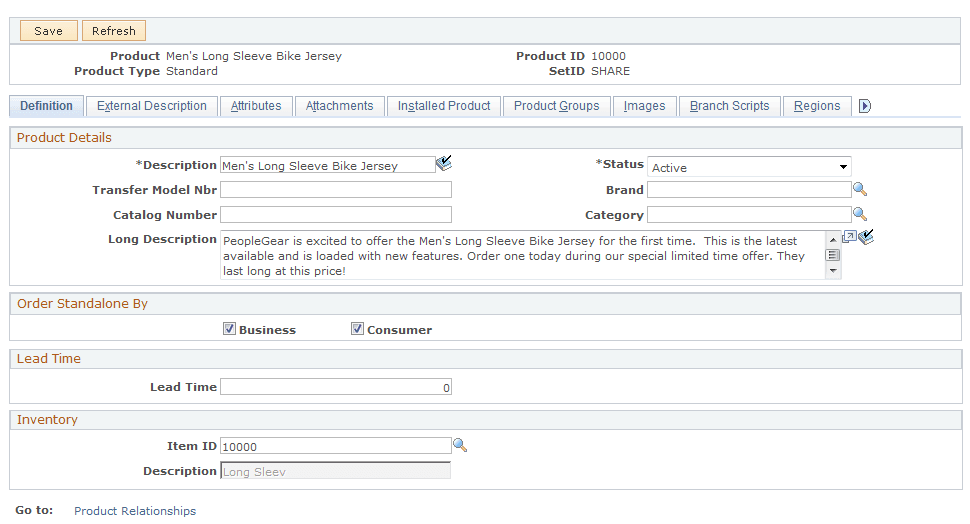
Add new product IDs to match those in the FSCM database. You could run a query in FSCM to get a listing of the hardware assets in the Asset Repository as shown below:
This example illustrates the fields and controls on the Query hardware assets.

Use the Product Mapping for Hardware Assets page (RF_PROD_MAP) to map asset information to Product ID in CRM database