Working with the Asset Log
This topic discusses how to work with the asset log.
Page Used to Work with the Asset Log
| Page Name | Definition Name | Usage |
|---|---|---|
|
IT_ASSET_LOG |
Review the comments that have been added from Manage Exceptions, Assets Not Reporting, Ignored Exceptions or Ignore Exceptions Inquiry. |
View Asset Log Page
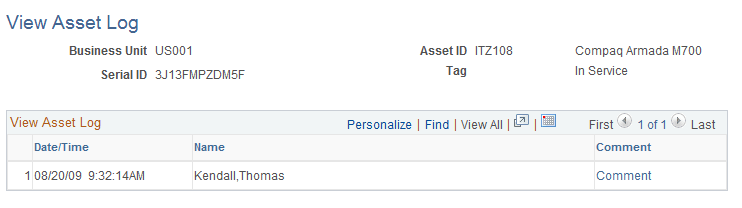
Use the View Asset Log page (IT_ASSET_LOG) to review the comments that have been added from Manage Exceptions, Assets Not Reporting, Ignored Exceptions or Ignore Exceptions Inquiry.
Navigation:
This example illustrates the fields and controls on the View Asset Log page (1 of 2).
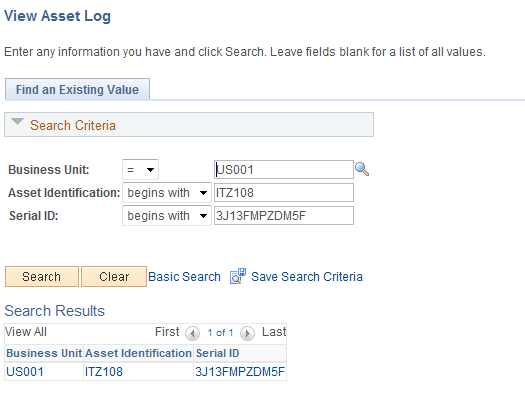
Search for ITAM actions performed on an asset by business unit, asset ID or serial ID.
This example illustrates the fields and controls on the View Asset Log page (2 of 2).