Establishing Contacts for Sites and SARs
This topic discusses how to establish contacts for sites and SARs.
Pages Used to Set Up Contacts Repository
| Page Name | Definition Name | Usage |
|---|---|---|
|
RE_CONTACT |
Enter general information about contacts for use when defining sites. |
|
|
Contact Phone |
RE_CONTACT_PHONE |
Enter phone information for the contact. |
|
Address |
RE_CONTACT_ADDR |
Enter address information for the contact. |
General Information Page
Use the General Information page (RE_CONTACT) to enter general information about contacts for use when defining sites.
Navigation:
This example illustrates the fields and controls on the General Information page. You can find definitions for the fields and controls later on this page.
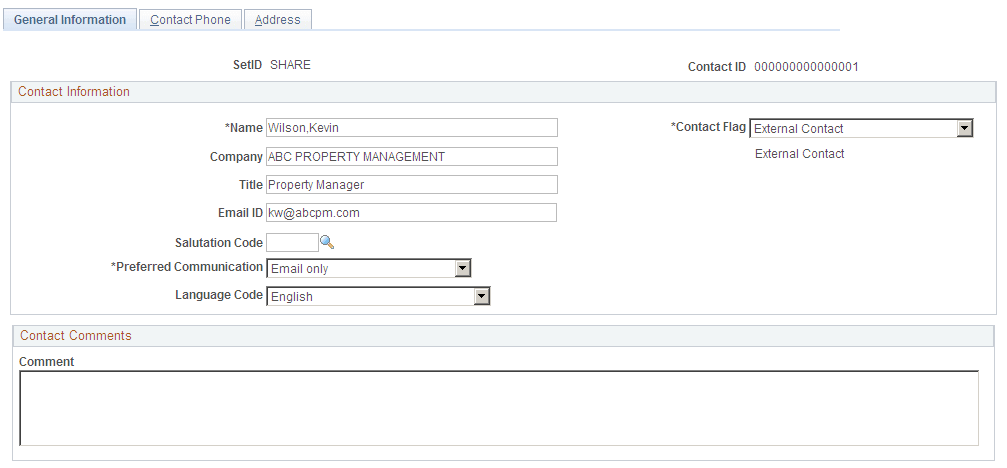
Enter general information for the contact. You must select a contact flag value and a preferred communication method. Information entered in this component will be copied onto the site when the contact is selected.