Tracking Project Changes
Pages Used to Track Project Changes
| Page Name | Definition Name | Usage |
|---|---|---|
|
PC_CHC_INPUT |
Enter the required reason for change. |
Change Control User Input Page
Use the Change Control User Input page (PC_CHC_INPUT) to enter the required reason for change.
Navigation:
-
. Save changes to a field that is specified on the change control template as User Input.
-
. Save changes to a field that is specified on the change control template as User Input.
-
. Save changes to a field that is specified on the change control template as User Input.
This example illustrates the fields and controls on the Change Control User Input page. You can find definitions for the fields and controls later on this page.
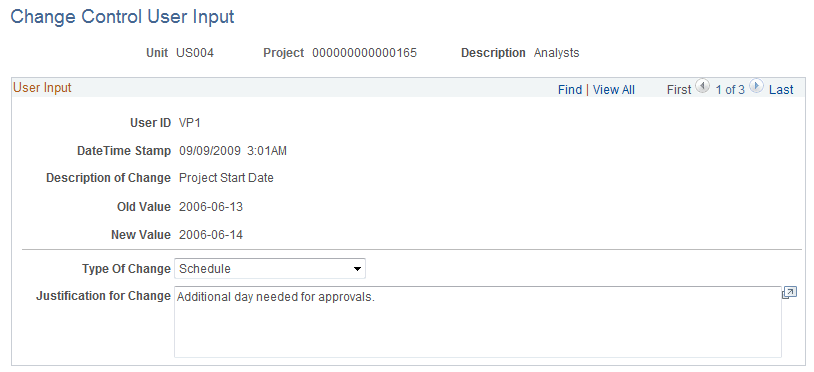
This page appears whenever changes are made to an attribute that requires user input. User input is an option that is available for most attributes that are on the Change Control Template Page.
| Field or Control | Description |
|---|---|
|
Type of Change |
Enter the type of change. The value that corresponds to the initiated change appears by default in this field. Users can overwrite the value in this field. |
|
Justification for Change |
Enter the reason for the change. This is a required field. |
If multiple changes are made on the same page and require user input, the Change Control User Input page appears with a scroll area to accommodate entering data for each change.