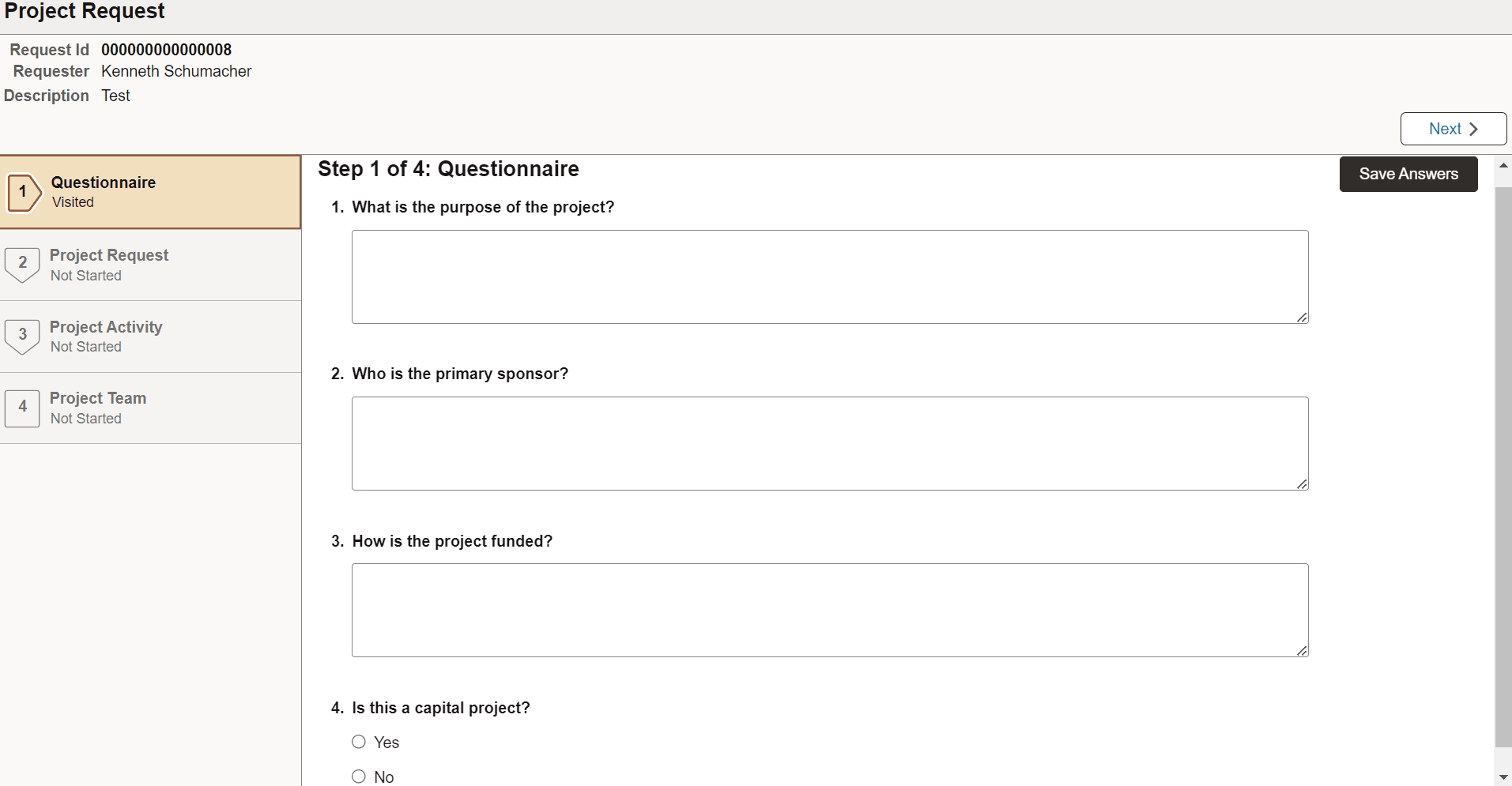
Project Request Activity Guide Step 1 of 4: Questionnaire
Use the Questionnaire page (EOQF_QSTNR_PRVW_FL) to answer questions related to the request. Configurable by the customer, these questions are provided through the Questionnaire Framework provided through Enterprise Components. See Enterprise Components: Understanding Questionnaire Framework.
Navigation:
Select the Project Request tile. From the View Project Request page, select the Add button. Answer all questions on the Questionnaire page and select the Next button.
This example illustrates the fields and controls on the Activity Guide Step 1 of 4: Questionnaire page.