Project Request - Questionnaire Page
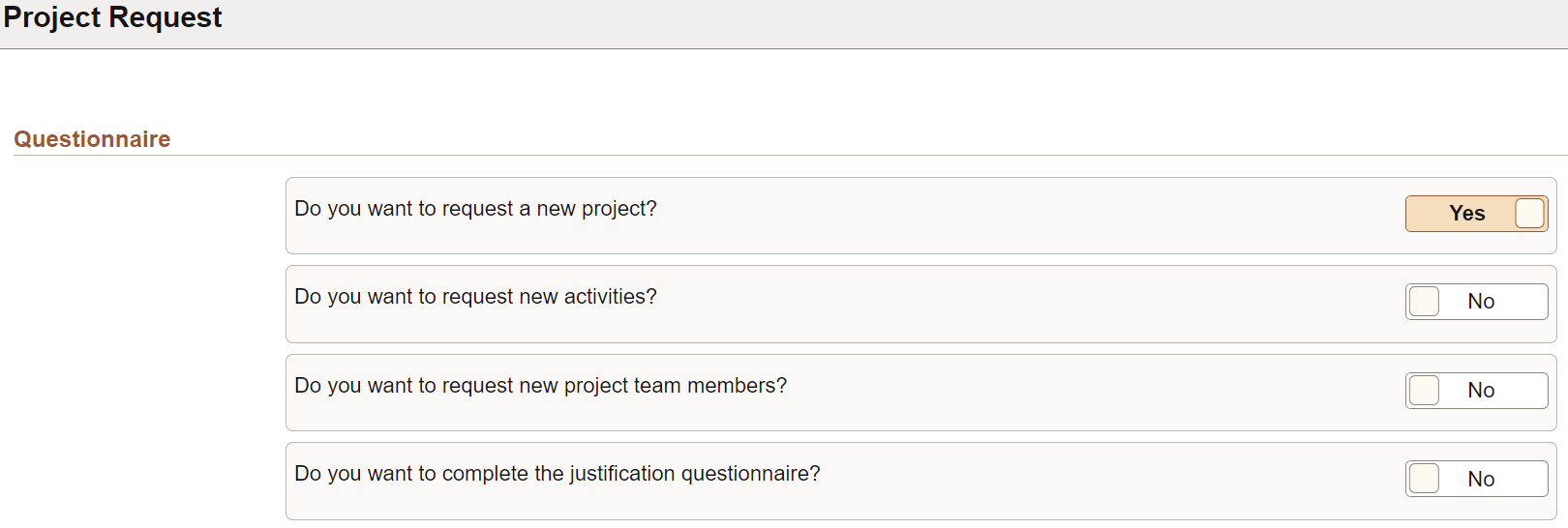
Use the Activity Guide Questionnaire page (PTAI_TMPLQUESPGNUI) to answer the questions that determine which steps are displayed in the activity guide. The questions to be displayed on this page are set on the Activity guide template. See "Defining an Activity Guide Questionnaire" section in PeopleTools: Portal Technology documentation.
Note:
The pages on the activity guide might be displayed differently based on the steps selected on the Questionnaire page.
Navigation:
. Click the Add button.
This example illustrates the fields and controls on the Project Request - Questionnaire page.
| Field or Control | Description |
|---|---|
|
Yes or No |
Select Yes or No to determine if the related step is displayed in the activity guide or hidden. Answers cannot be changed after selecting Next. |
|
Next |
Select to initiate the activity guide. |