Excel Payment Upload Page
Use the Excel Payment Upload page (AR_WC_PYMNT_SEL) to display DEPOSIT_EXCEL rows that have not been loaded into the payment staging tables. The Excel Edit process (AR_EXCL_EDIT) needs to be run.
Navigation:
Click the Excel Payment Upload link listed under Interfaces Not Run.
This example illustrates the fields and controls on the Excel Payment Upload Page - Detail 1 Tab.
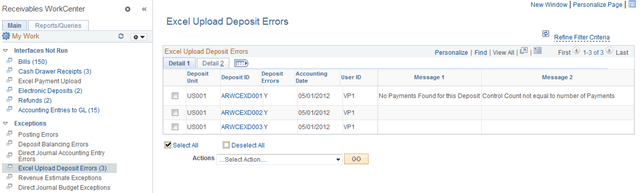
This example illustrates the fields and controls on the Excel Payment Upload Page - Detail 2 Tab.
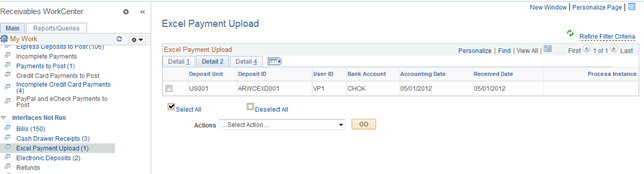
| Field or Control | Description |
|---|---|
|
Deposit ID |
Click the Deposit ID link to open the Express Deposit (PAYMENT_EXPRESS) component (Accounts Receivable, Payments, Online Payments, Express Deposit) for the selected deposit, where you can enter express deposit totals, enter and apply payments with express deposit, and select an express deposit action. |
|
Actions |
Select the following action from the list to apply to all deposits shown in the grid, and click the GO button: Excel Payment Upload This grid does not allow individual rows to be selected for processing. When you select the Excel Payment Upload action, the system sends rows in the grid to the Excel Payment Upload Process page, where you can select the payments to process, and initiate the Excel Edit process (AR_EXCL_EDIT). See Receiving and Editing Spreadsheet Payments. The run control ID for this process is generated using auto-numbering with this prefix: ARWC_EXL. |