Working with Common Actions in the Fluid Comprehensive Customer View
This section discusses actions common to both Analysis and Comparison views of the Fluid Comprehensive Customer View.
Metric Actions
You can access different metric actions for each metric.
Click the Metric Related Actions button to perform the following actions:
-
<metric name> Filter: used to access the Edit Filter Values page, where you can select and apply different filter options to the metric.
-
Show Filter Values: used to access the Show Filter Values page, where you can view the filter values you applied to the metric.
A filter icon indicates when the data was filtered.
Note:
The filter criteria changed at Metrics Actions are saved. When a filter ID is used by more metrics, if you change it for one metric, this change will be reflected at the other metrics that use it.
View Details
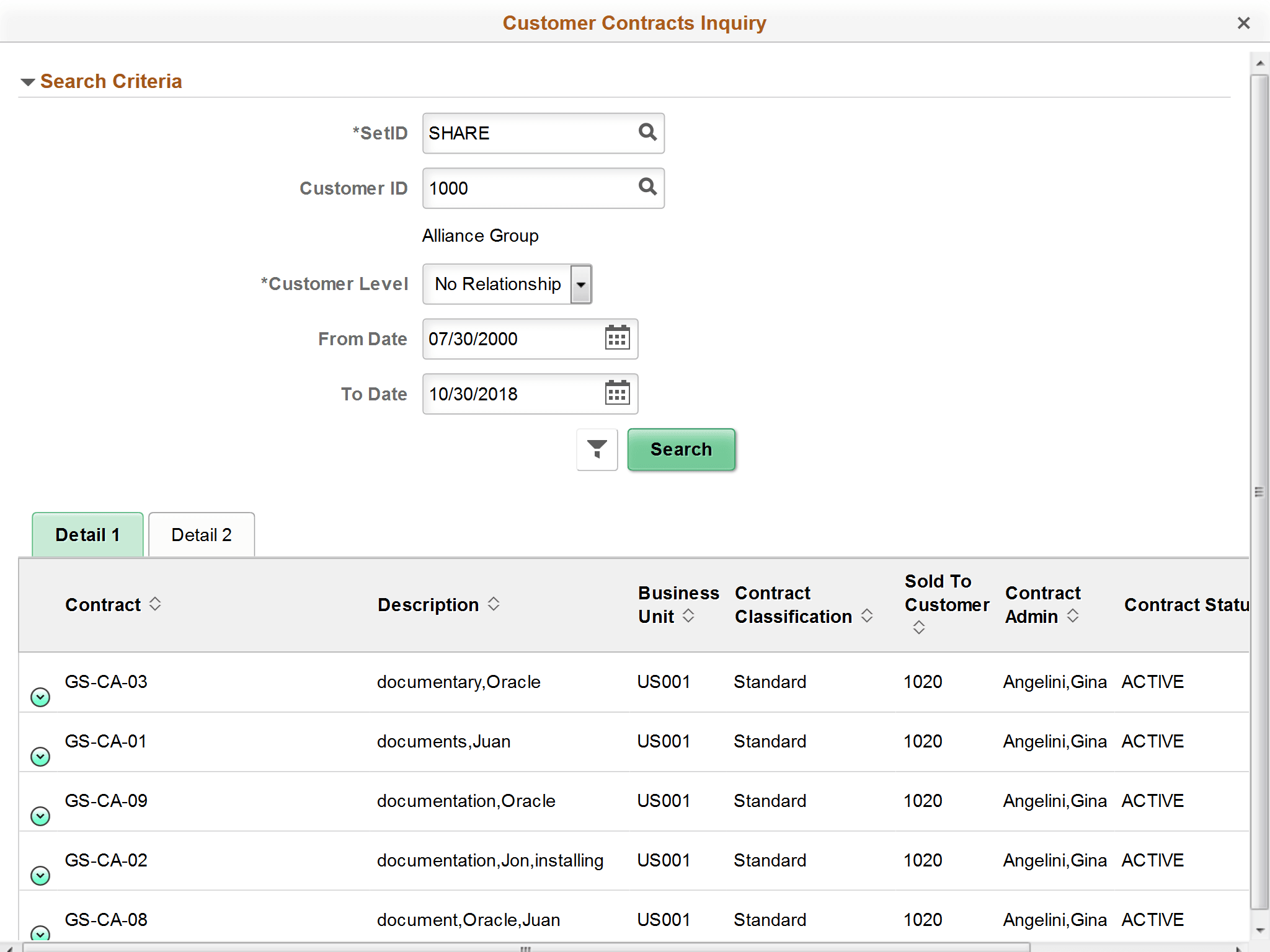
For each metric, click the View Details link to access the <metric name> Inquiry page and view additional details for the metric. You can also modify search criteria.
Customer Contracts Inquiry page