Worklist Page
Use the Worklist page (WORKLIST) to review and act upon workflow worklist tasks assigned to you.
When work is routed to a you, it is put in your worklist. To work on an item, you select it from the Worklist and the system presents the appropriate page to begin work.
Navigation:
Click the Alerts: Worklist link.
Or
This example illustrates the fields and controls on the Worklist Page.
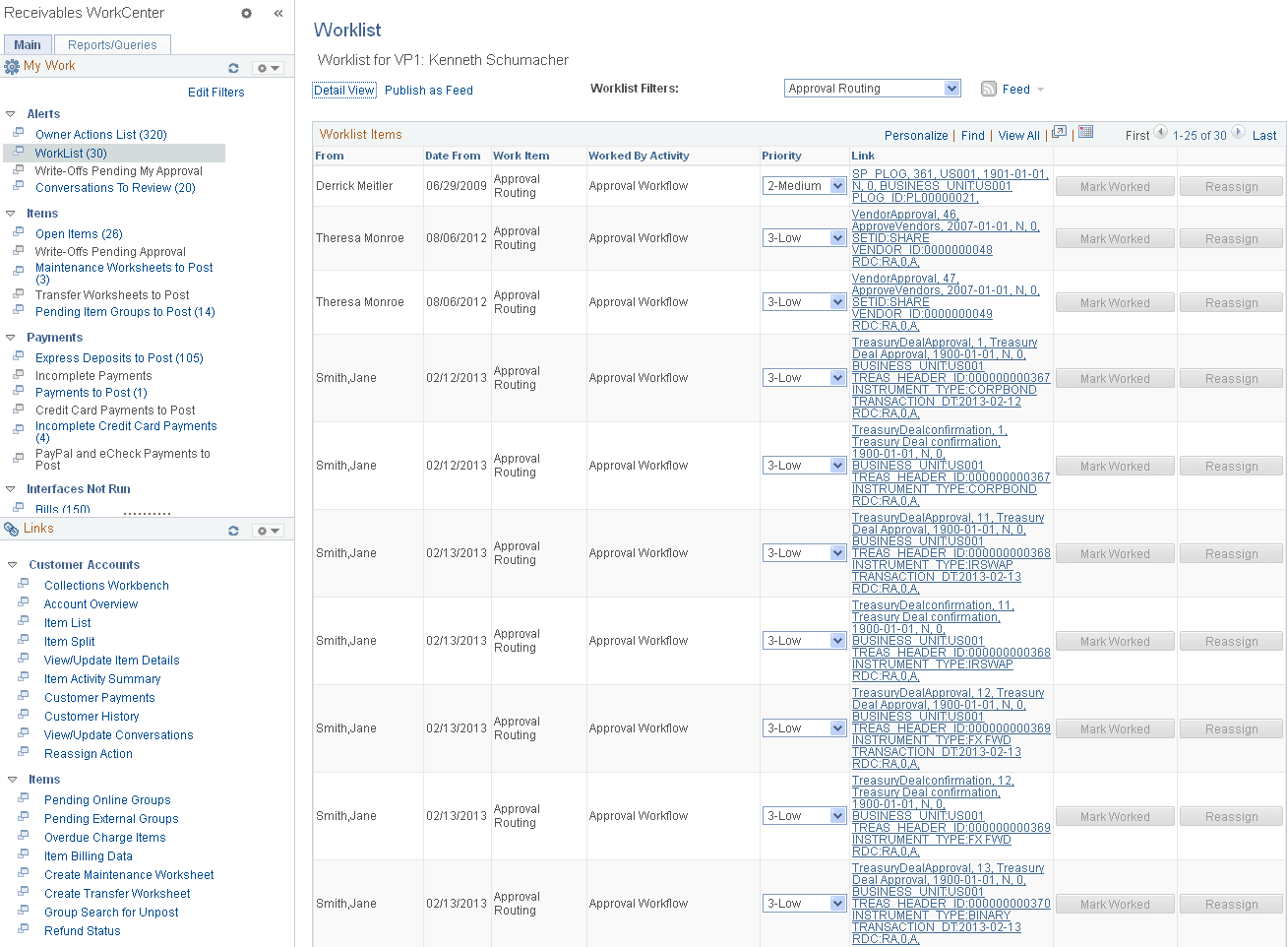
The Worklist shows these items in the grid:
-
New Write Off Requiring My Approval
-
New Action List item Created
-
New Debit/Credit Created
-
New Payment Predictor On-Account Created
See also Events and Notifications Framework: Using the PeopleSoft Worklist to View Notification Messages and Working with Actions