Write-Offs Pending Approval Page
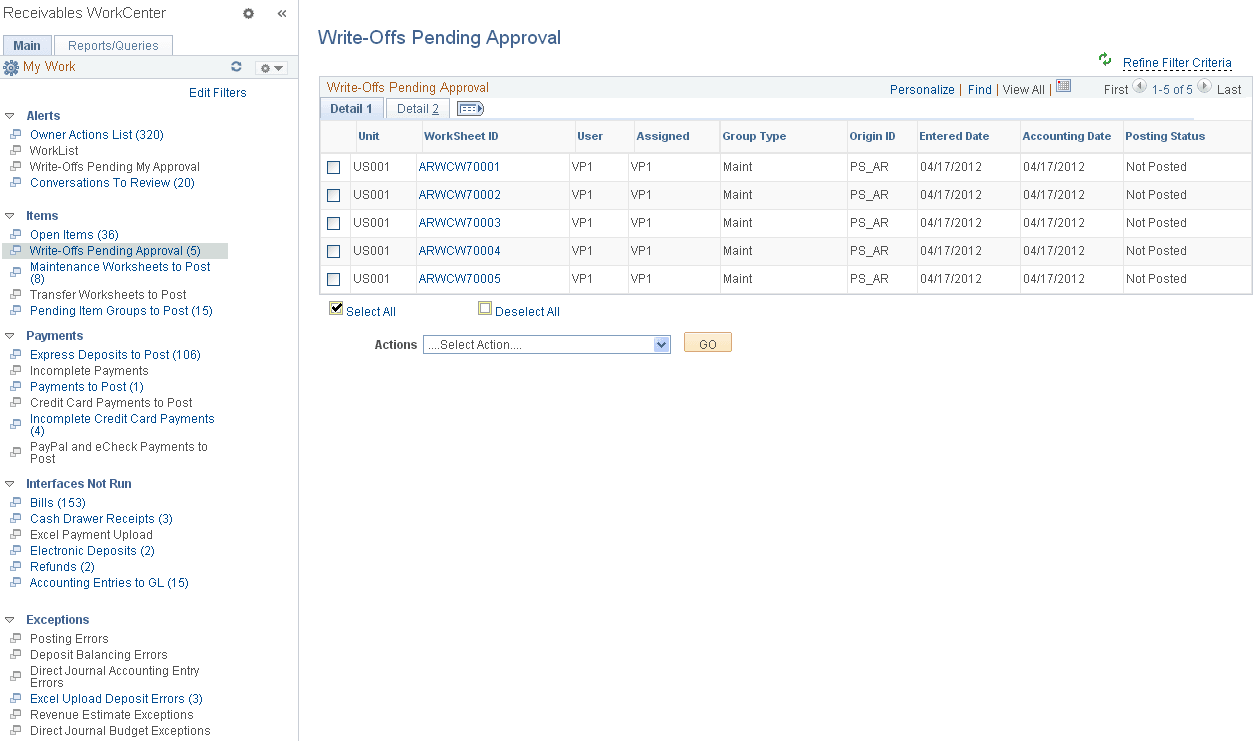
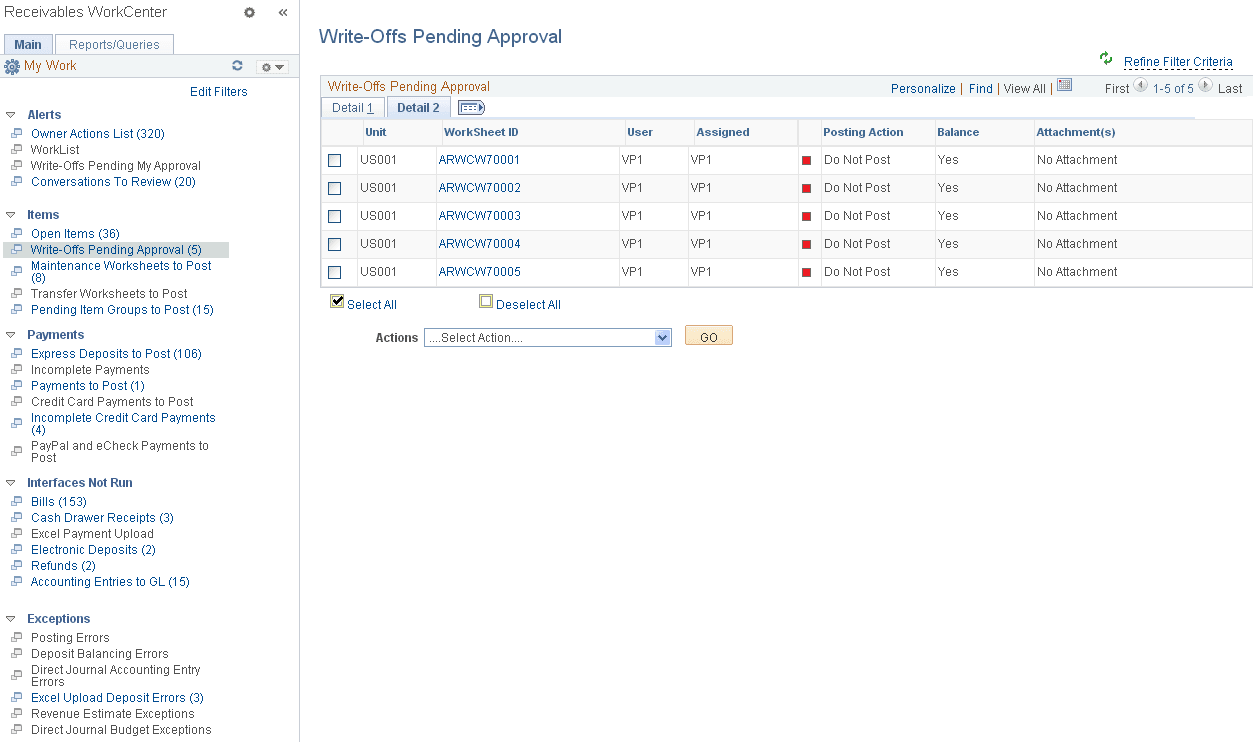
Use the Write-Offs Pending Approval page (AR_WC_ITEMS_SEL) to review Payment, Maintenance and Draft worksheets containing write-offs pending approval.
Navigation:
Click the Items: Write-Offs Pending Approval link.
This example illustrates the fields and controls on the Write-Offs Pending Approval Page - Detail 1 Tab.
This example illustrates the fields and controls on the Write-Offs Pending Approval page - Detail 2 tab.
| Field or Control | Description |
|---|---|
|
WorkSheet ID |
Click the link associated with a worksheet ID to show worksheet details on the Worksheet Application page (Accounts Receivable, Receivables Maintenance, Maintenance Worksheet, Update Maintenance Worksheet, Worksheet Application). You can drill down into a worksheet to see approval history—including prior approvals, denials, and pushbacks—that exists for the selected worksheet. |