Amount Notification page
Use the Amount Notification page to turn on Spend Threshold notification. This page only appears for Group Multi and Group Single Supplier contracts.
This example illustrates the fields and controls on the Amount Notification page.
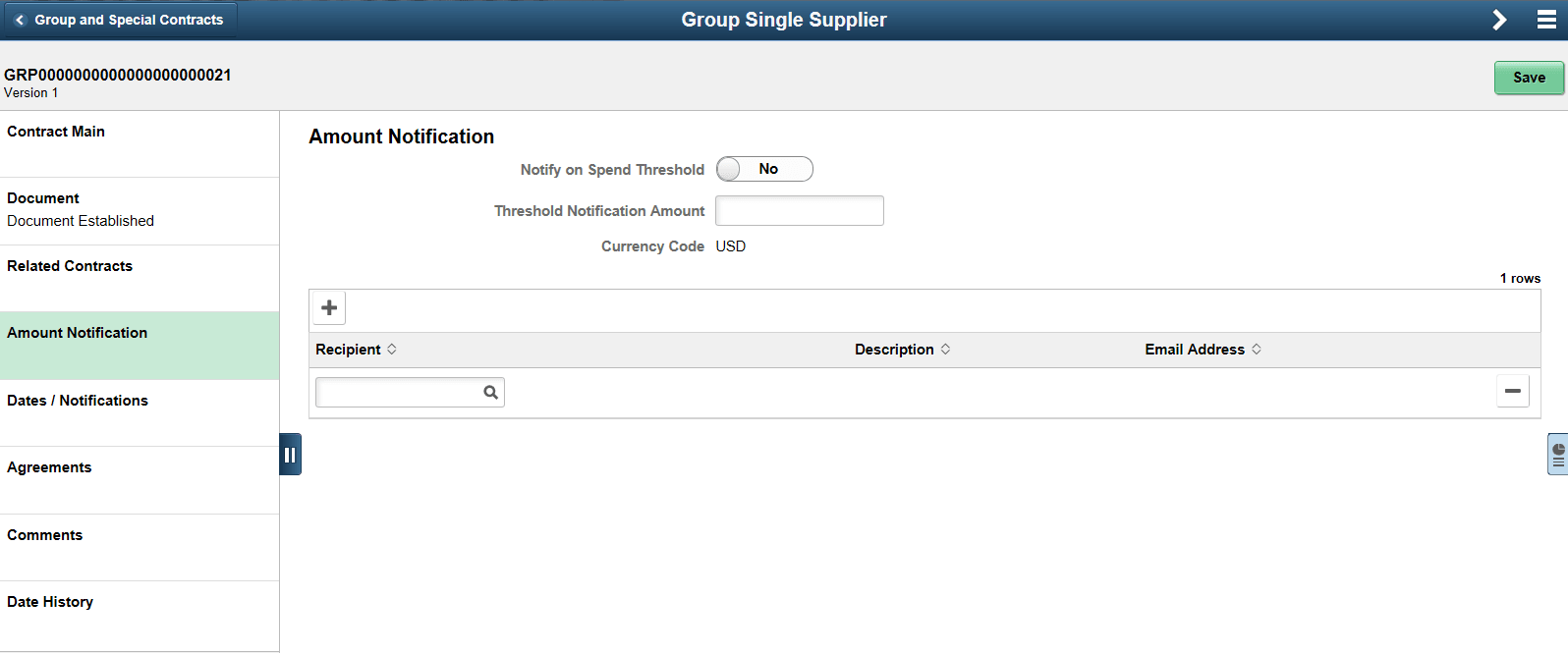
Use Amount Notifications to enable workflow notifications when a particular spend threshold is reached.
When you select Yes for Notify on Spend Threshold, you need to enter a Threshold Notification Amount, and at least 1 recipient to notify.
Later when the workflow notification program is run the system will calculate the sum of the released amounts for all the related contracts to the group contract. If this amount exceeds the threshold amount, the notification will be issued.
After the recipient is added, the left panel will indicate the number of recipients to be notified when the threshold is met.