Approved Change Request Trend Pagelet
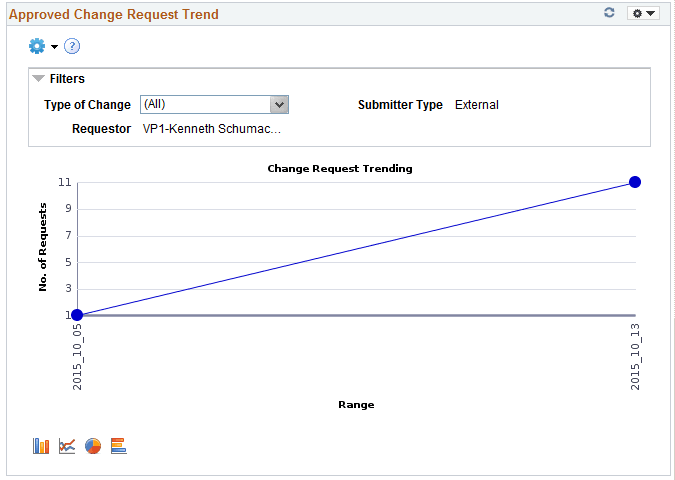
The Approved Change Request Trend pagelet displays change request information across a time period. Only approved transactions are included in the change request trending data.
Trends are available by day, week, month, or quarter. By default, the chart displays all the changes. Users can filter to view either supplier or employee-submitted requests.
This example illustrates the fields and controls on the Approved Change Request Trend Chart.
When you click on a point on the line of the graph, the pivot grid displays detailed information. Click the Request ID link to navigate to the View History page and view more details about the transaction.
This example illustrates the fields and controls on the Approved Change Request Trend Grid.

The Prompt page for the pivot grid includes a time range selection (based on last updated date), and a trend interval. The default option for Trend interval is set as Daily.
The Charting Options for the pivot grid includes chart filter selection options for Date Range, Requestor, Set ID, Short Supplier Name, Submit Date, Submitter Type, and Type of Change.