Setting Tile Preferences
Use the My Preferences page (BI_UP_INV_CYCL_FL) to set tile preferences for each tile
Navigation:
Select My Preferences from the Actions List. Click Billing.
This example illustrates the fields and controls on the My Preferences Page.
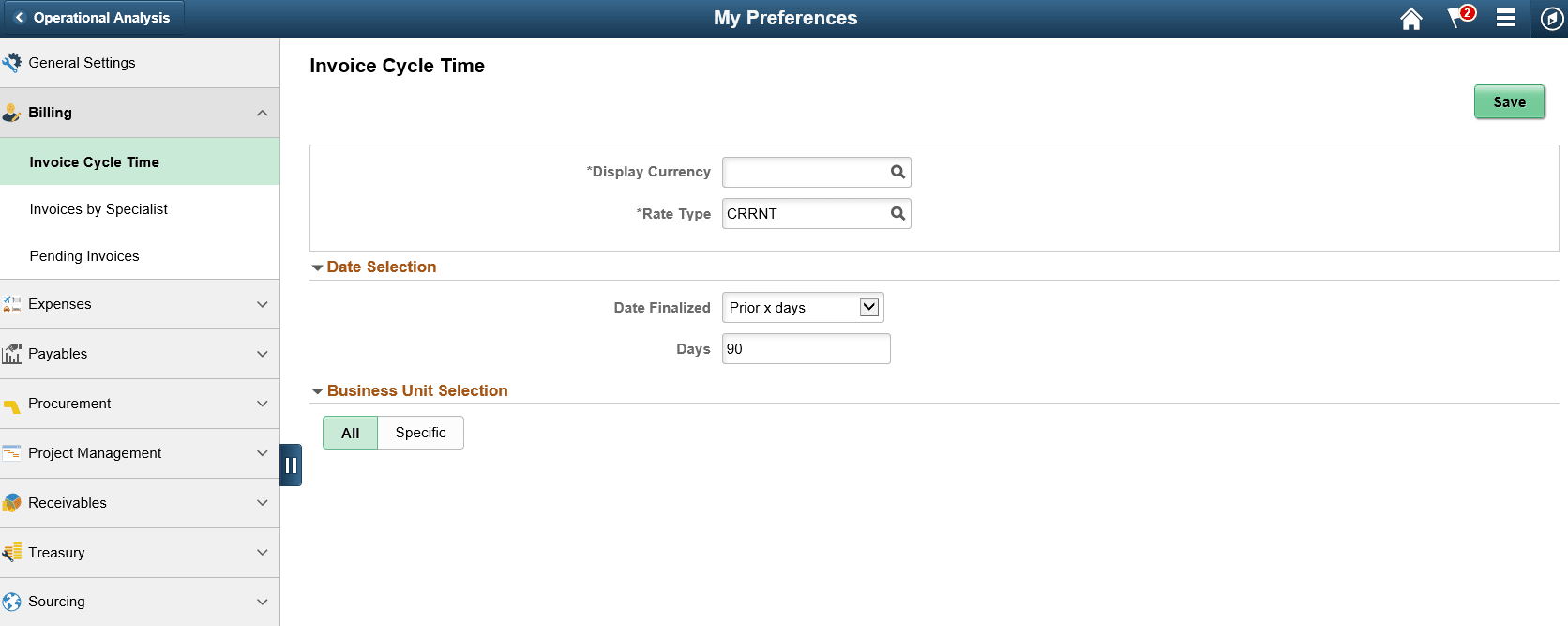
If the preferences are not defined for a tile, then the tile will display a message that the User Preferences are not set. Click on the tile to access the User Preference page for the corresponding tile.
Note:
Interface Errors tile do not need any user preferences.
If the preferences are defined but there are no transactions for the criteria defined, then the tile will display a message that data is not available.