Filter Page
Use the Filter page to apply one or more filters to narrow your pending approvals list to those requests that meet your criteria.
Navigation:
Tap the Filter funnel icon at the top of the Pending Approvals or Approvals History pages.
This example illustrates the fields and controls on the Filter page.
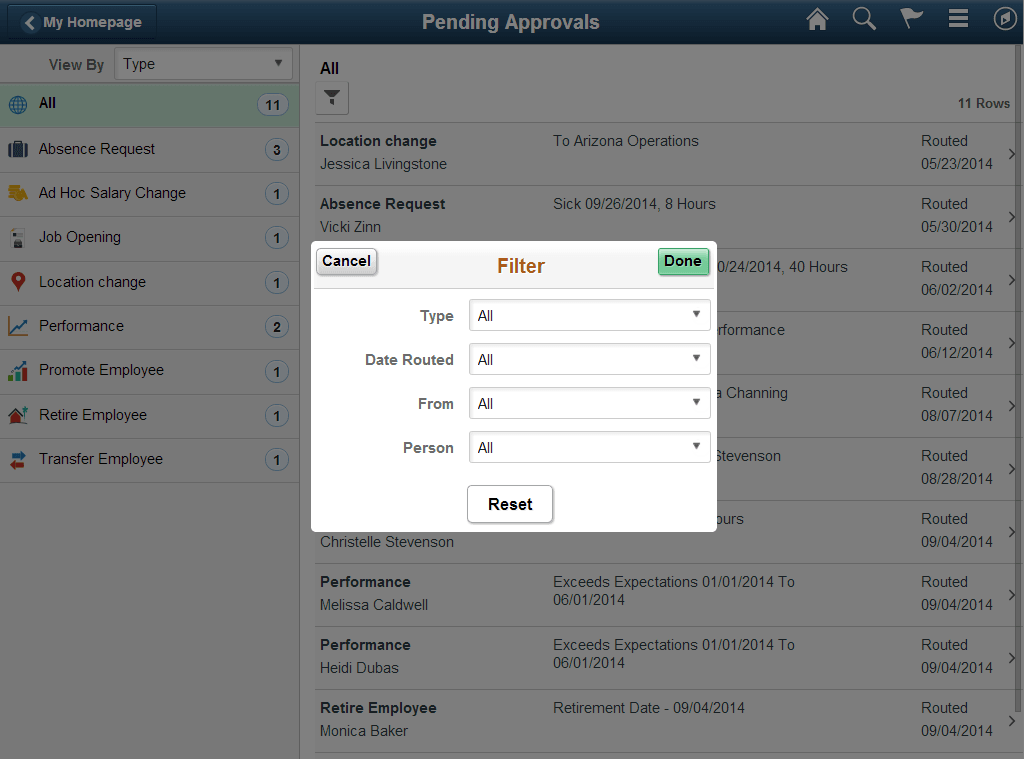
Use this page to identify specific categories from one or more view by items. The page displays only those fields and categories that apply to your existing pending approvals.
| Field or Control | Description |
|---|---|
|
Cancel |
Tap this button to return to the Pending Approvals or Approvals History page. |
|
Done |
Tap this button to apply the filters and refine the approval request results on the Pending Approvals or Approvals History page. The Filter icon on the Pending Approvals or Approvals History page will change to green, indicating that there are filters in place. |
|
Reset |
Tap this button to reset the filter fields to the default value. |