My Work - Human Resources Section
Use the My Work - Human Resources section (HC_HUMANRESOURCES_SCTN_LP) to access tiles to common transactions for business analysts and administrators across Human Resources, Compensation, Position Management, Profiles, Performance, Career and Succession Planning and Learning areas.
Navigation:
The Human Resources section is part of the My Work section of the PeopleSoft (My Home) Landing Page.
This example illustrates the Human Resources section.
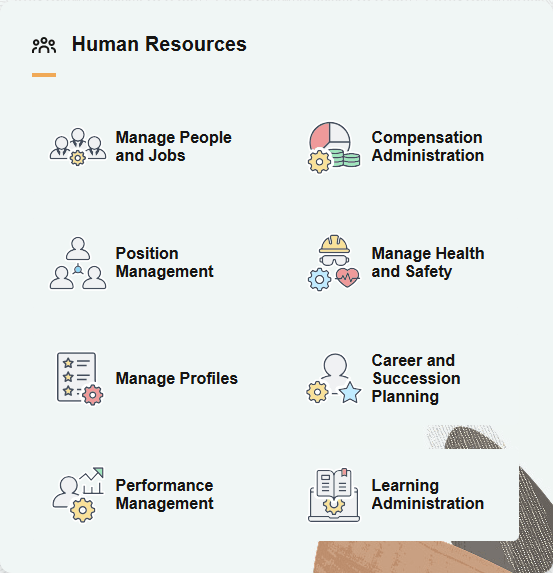
The Human Resources section includes the following tiles, which appear based on user roles and security permissions.
-
PeopleSoft Human Resources Manage Positions: Position Management Tile
-
PeopleSoft Human Resources Manage Profiles: Manage Profiles Tile
-
PeopleSoft eCompensation Manager Desktop: Compensation Administration Tile
-
PeopleSoft Human Resources Monitor Health and Safety: Manage Health and Safety Tile
-
PeopleSoft Human Resources Plan Careers and Successions: Career and Succession Planning Tile
-
Learning Administration Tile (See PeopleSoft HCM: Enterprise Learning Management documentation)
When you select a tile, it takes you to the corresponding transaction page with the exception of the Manage People and Jobs Tile, which takes you to a dashboard of multiple tiles to perform various person and job-related tasks.
(USF) Manage Personnel Actions tile for U.S. Federal Administrators
When a U.S. federal administrator accesses the landing page, the Human Resources section of the My Work section displays the (USF) Manage Personnel Actions Tile as well as the other commercial tiles.
(USF) This example illustrates the Human Resources section for a federal user
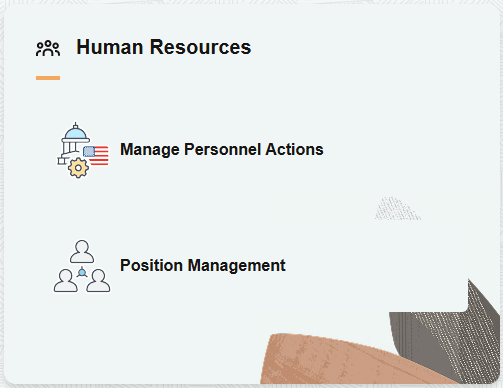
Select the tile to access the (USF) Manage Personnel Actions Dashboard.