Absence Request History Page
Use the Absence Request History page (HR_DR_DIRECTREPORT) to enter a date to use a list of direct reports in which to view absence history.
Navigation:
This example illustrates the fields and controls on the Absence Request History page.
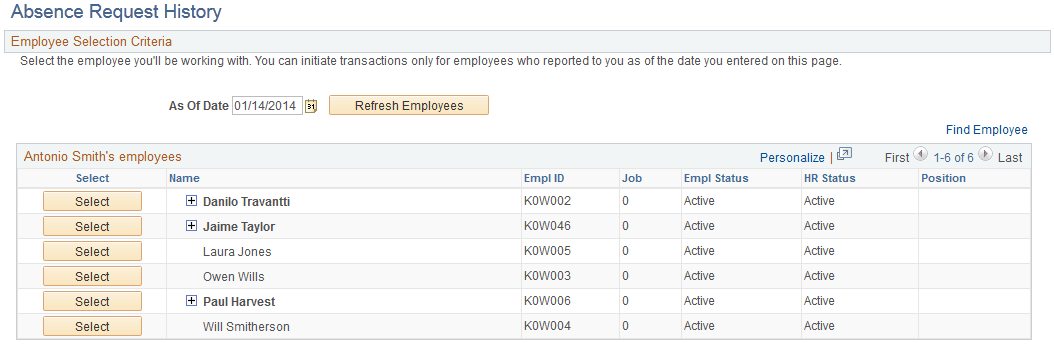
The direct reports for the manager are displayed on this page. Click the column titles for Name, EmplID,Pay Status, and HR Status to sort the list by these criteria. The last column may contain an button that indicates the employee has direct reports. Click the button to display a list of individuals that report to that employee. These employees are referred to as the manager's indirect reports.
| Field or Control | Description |
|---|---|
|
As Of: |
The system displays the direct reports for the manager as of this date. |
The system displays the Absence Request History page for a manager's direct report when the manager selects the person's name. The system displays a page that is identical to the employee self service Absence Request History page, with the exception that it contains a Direct Reports link to return to the Absence Request History page.
Related Topics