View Absence Balances Page
Use the View Absence Balances page (HR_DR_DIRECTREPORT) to enter a date to generate a list of direct reports in which to view absence balances.
Navigation:
This example illustrates the fields and controls on the View Absence Balances page.
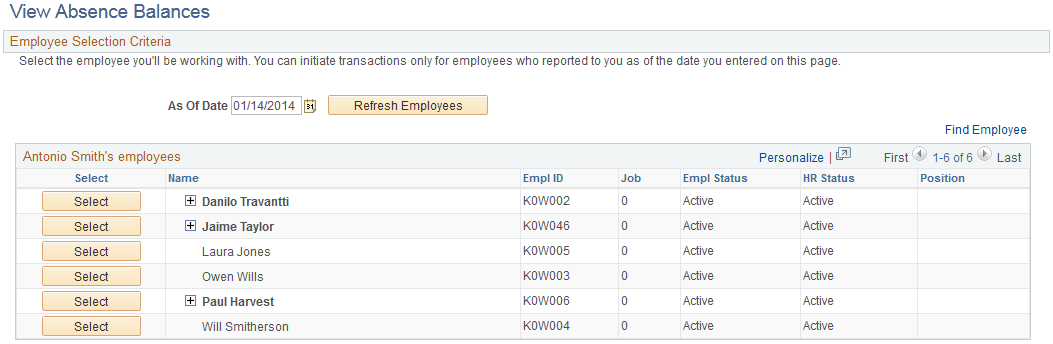
This page functions in the same manner as the Absence Request History page. From this page, when the manager clicks the Select button next to the employee name the system displays the View Absence Balances page for that employee. This page is identical to the employee self service View Absence Balances page, and includes the Forecast Balances link to enable the manager to forecast absence entitlement balances for a future date for direct reports. The one exception to the similarity of the employee self service page and the manager self service page is that the manager has a Return to Direct Reports link to return to the View Absence Balances - Select Employee page.
Related Topics