Twilio Setup Page
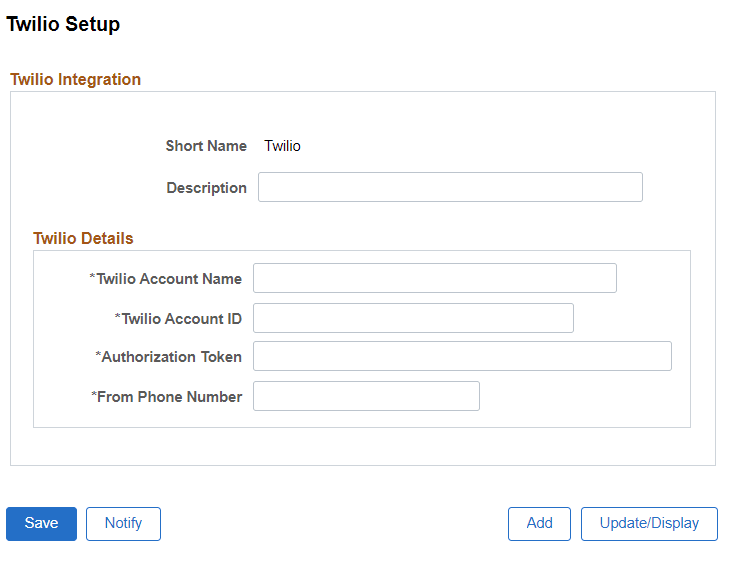
Use the Twilio Setup page (HRS_TWILIO_INST) for Twilio integration.
Note:
The text message configuration at the Site Setup can be completed only after Twilio account configuration.
Navigation:
This example illustrates the Twilio Setup page.
| Field or Control | Description |
|---|---|
|
Twilio Account Name |
Enter the Twilio Account Name. This will be the registered e-mail address. |
|
Twilio Account ID and Authorization token |
Enter the Twilio Account ID and Authorization token. Twilio uses two credentials to determine which project an API request is coming from. The Account ID acts as a user name, and the Authorization token acts as a password. |
|
From Phone Number |
Enter the phone number. Applicants receive text messages from the phone number specified in this field. |
Once you save the changes, navigate to the Site Set Up page for text configuration. For more information, see Text Message Page.