Viewing Employee Status
This section discusses how to view employee status.
Page Used to View Employee Status
| Page Name | Definition Name | Usage |
|---|---|---|
|
FPAEESTATUS_PNL1 |
View employee status. Once an employee is granted tenure, you can access both successive statuses (trainee and civil servant). |
Status Page
Use the Status page (FPAEESTATUS_PNL1) to view employee status.
Navigation:
This example illustrates the fields and controls on the Status page. You can find definitions for the fields and controls later on this page.
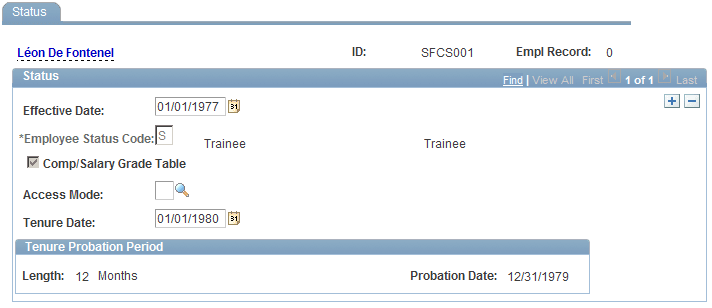
The page displays probation period lengths and end dates.
Probation Period Renewal
Consult the Status page to renew the probation period. After a renewal, the Probation Period Renewal information appears.