Component Page Details for Standard page
Use the Component/Page Details (EODP_COMP_REF_SCF) modal to view more details of the reference used.
The details display portal navigation and any component interface references.
Navigation:
Select the chevron in the Component/Page tab.
This example illustrates the fields and controls on the Component/Page Details.
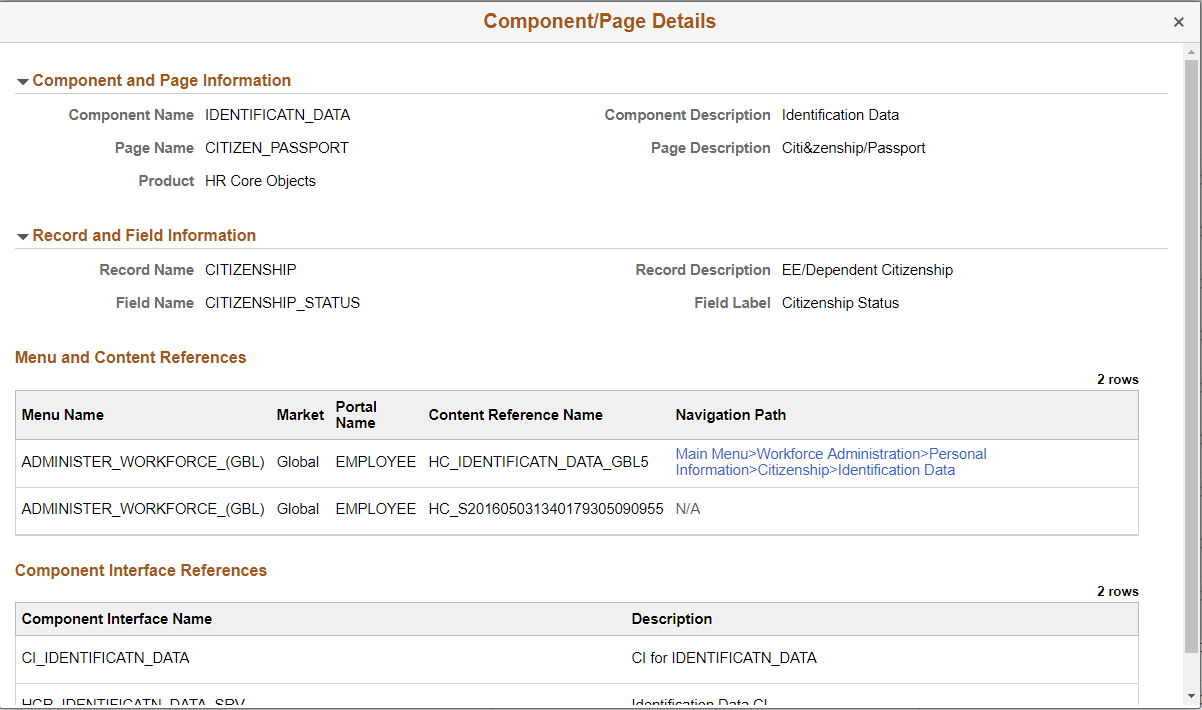
Select the navigation link to open a new window for the particular component. For a user who do not have access to the components, the navigation link is disabled. If there is no Navigation to a Component, the navigation column shows N/A.