Setting State Record Properties
Select the State Records tab.
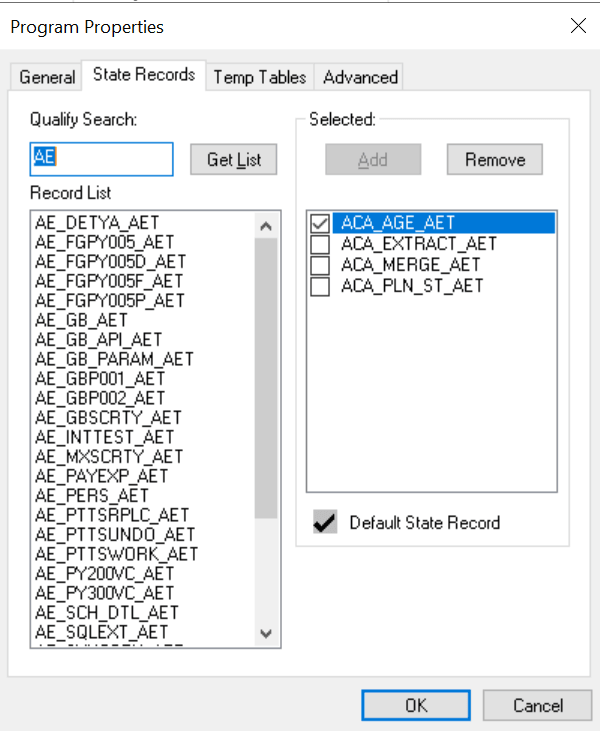
This example illustrates the fields and controls on the Program Properties dialog box: State Records tab. You can find definitions for the fields and controls later on this page.
| Field or Control | Description |
|---|---|
|
Qualify Search |
Enter any wildcard characters or complete table names to limit the results that appear in the record list. By default, the Record List text box contains all record names that end with the extension AET. This extension identifies the record as an Application Engine record. |
|
Get List |
Click to populate the Record List text box. |
|
Record List |
This text box contains the results of your state record search. |
|
Selected |
Select state records for use with a particular program. Click Add to include selected records from the record list into the selected list. ClickRemove to remove selected records from the selected list. Indicate which state record will act as the default state record by selecting its check box. For your default state record, you need to reference only field names in your PeopleCode and SQL (for the active program). When you reference a non-default state record, you do so by using recname.fieldname. |