Working with Fluid Lookup Pages
A prompt or lookup button opens a lookup page in your browser populated with available values for that field. You can either select the desired value from the list or refine your search further.
This example illustrates the look and feel of the controls on a fluid lookup page.
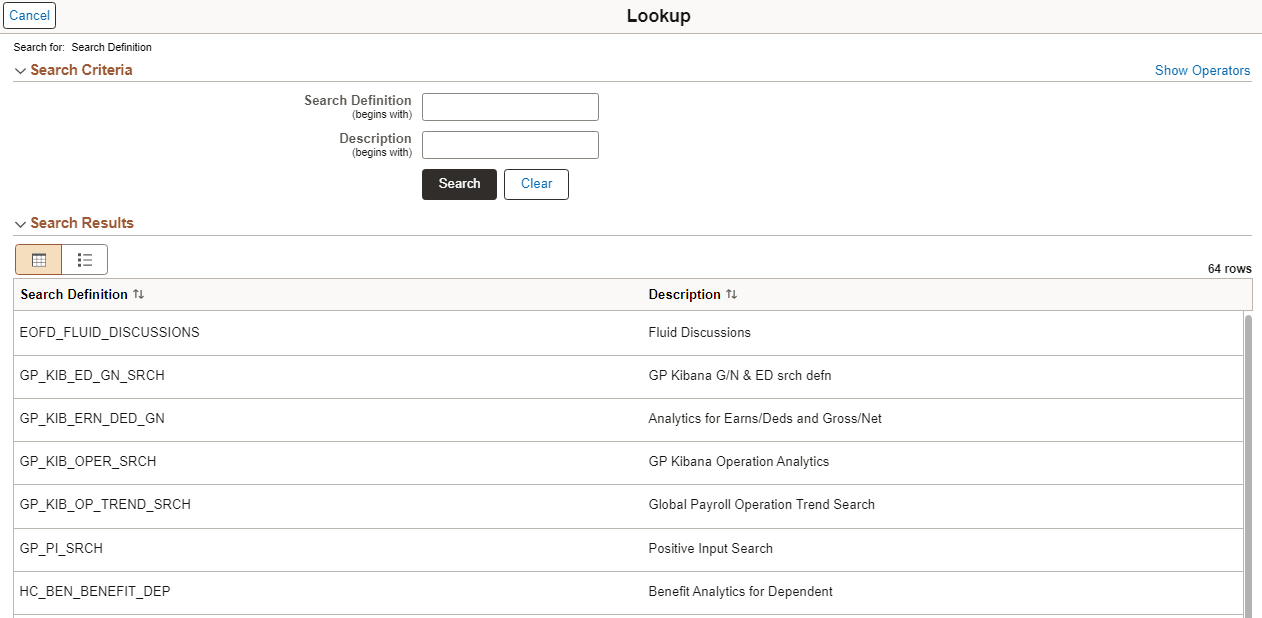
On the My Preferences page, you can configure the display settings for the Search Criteria section to appear collapsed or expanded when the prompt page is opened or after a search is performed.
On the My Preferences page, you can also select the option to display the search operators in the search criteria as changeable drop-down list values or as read-only text.