Managing Dependencies Between Plug-in Groups
The dependencies between plug-in groups is also taken into account when resolving dependency dynamically.
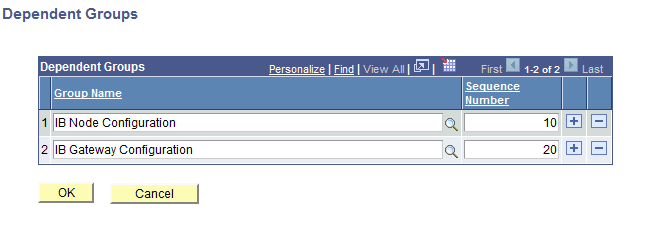
Access the Dependent Groups page to specify groups on which the current group is dependent.
This example illustrates the fields and controls of the Dependent Groups page.
| Term | Definition |
|---|---|
|
Group Name |
Select the group(s) on which the current group is dependent. |
|
Sequence Number |
The order in which the groups need to be configured. |