Deleting Change Packages
Navigation:
Select
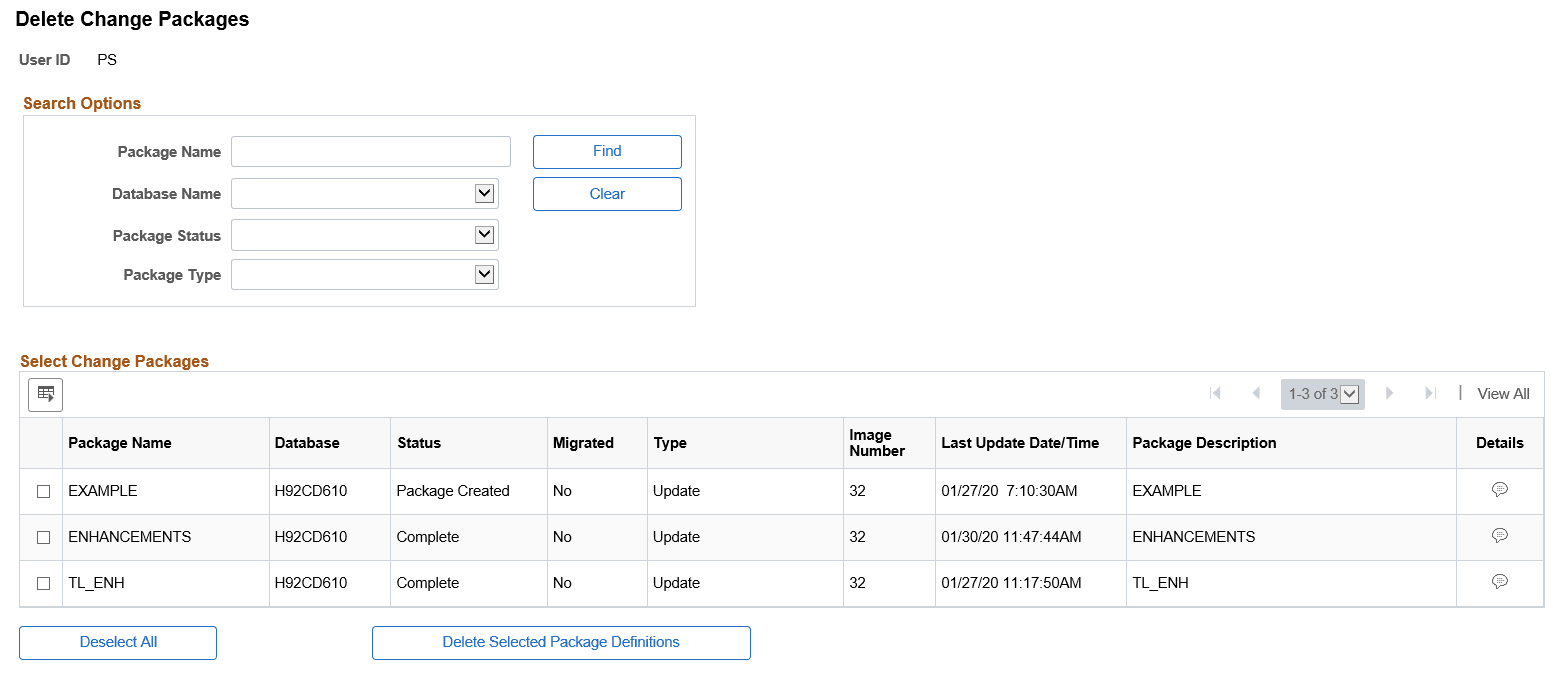
This example illustrates the fields and controls on the Delete Change Packages page. You can find definitions for the fields and controls later on this page.
| Field or Control | Description |
|---|---|
|
Package Name |
Search by package name. |
|
Database Name |
Search by database name. |
|
Package Status |
Search by package status. Package statuses are:
|
|
Package Type |
Search by package type. Package types are:
|
The Select Package Definitions to Delete grid will list all the change packages that meet the selection criteria. Select the change packages to delete and click the Delete Selected button.