Adding Compound Elements
When you add a compound data type to the document tree, the Add Compound Child or Add Compound Peer page appears, depending on whether you are adding a child or peer element. The Add Compound Child page and the Add Compound Peer page are identical and have the same object name, IB_LOGICALCOMP_SEC.
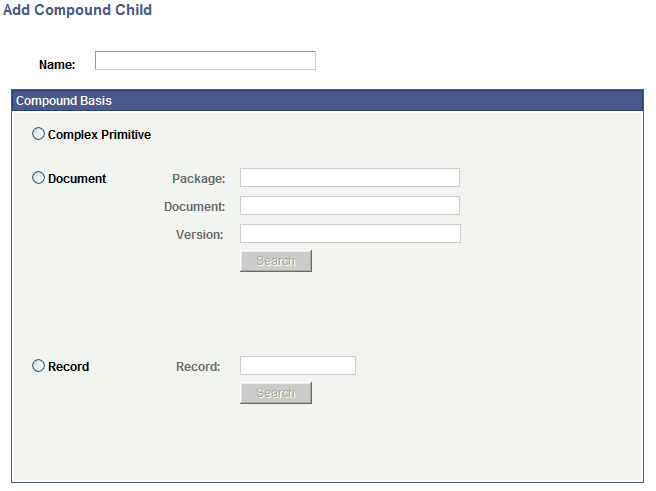
This example illustrates the fields and controls on the Add Compound Child page. You can find definitions for the fields and controls later on this page.
To add compound elements (child or peer) to documents:
-
Access the Document Builder - Documents page ().
-
On the document tree, click the element to which to add a compound child or compound peer element.
-
On the action toolbar, do one of the following:
-
Click theAdd Compound Child button to add a compound child element.
-
Click the Add Compound Peer button to add a compound peer element.
The Add Compound Child page or Add Compound Peer page appears.
-
-
In the Name field, enter a name for the compound element.
-
Select the type of compound element to create. The options are:
-
Complex Primitive
When you select this option, the Document Builder - Documents page appears for you to define the element properties.
-
Document
When you select this option, you search for and specify the document to use as the compound element.
-
Record
When you select this option, you search for and specify the PeopleSoft record to use as the compound element.
See Defining PeopleSoft Records as Compound Element Data Types.
-