Verifying Nodes and Services to Introspect
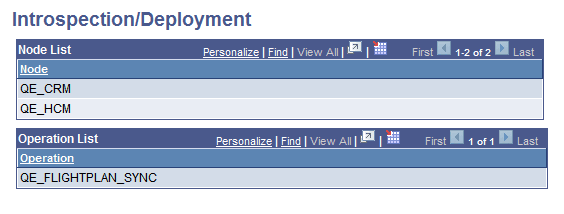
The Introspection/Deployment page (IB_INTNETWORK4) displays the nodes and service operations you selected for integration and deployment in the previous step.
This example illustrates the Introspection/Deployment page. The example shows the nodes and service operations selected for introspection and deployment.
To make changes, use the Previous Step button located at the bottom of the page to return to the previous pages and make any necessary changes.
If the information is satisfactory, click the Introspect button to introspect the nodes in the node list. The results appear in the Introspection Results page discussed in the next section.