Creating Message Definitions
When you add a message definition, you will specify the message type and provide a name and version.
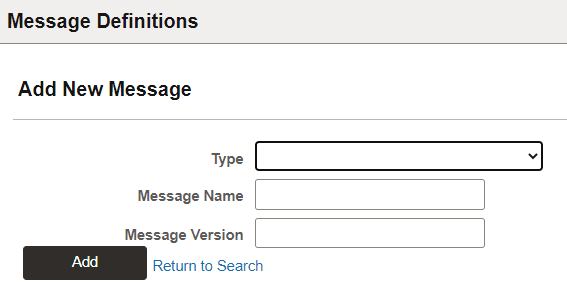
Use the Add a New Message page (IB_MSGSEARCH_ADD) to name a new message definition and assign a version to it.
To add a new message definition:
-
Select .
The Messages – Search page appears.
-
Click the Add a New Valuelink.
This example illustrates the Add New Message page.
| Field or Control | Description |
|---|---|
|
Type |
Select the message type. Available types are:
|
|
Message Name |
Enter a name for the message. The message name cannot exceed 30 characters. Do not include any spaces in the message name. |
|
Message Version |
The message version cannot exceed 30 characters. Do not include any spaces in the message version. Accepted formats for the message version include:
|