Step 8: Select the Receiver Node
Use the Select the Receiver Node page (IB_WSDL_IMP_NODE) to select the receiving node for the service.
This example illustrates the Select the Receiver Node page.
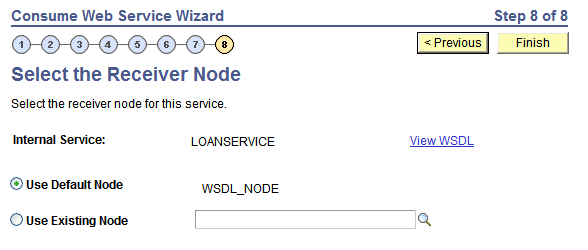
PeopleSoft delivers a node, WSDL_NODE, that the system uses as the receiving node by default. However, you can select a different receiving node.
If you use the default node as the receiver node, the system adds connector property overrides to the default node in the generated service operation routing.
Note:
You can apply WS-Security to services you consume using the Consume Web Service wizard. The node you select in this step determines how you implement WS-Security for these services.
To select a receiving node for a service operation:
-
Click the Use Existing Node radio button.
-
From the Use Existing Node drop-down list box, select the receiving node to use for the service operation.
-
Click the Finish button to proceed to the next step in the wizard.