Viewing WADL Documents for REST Services
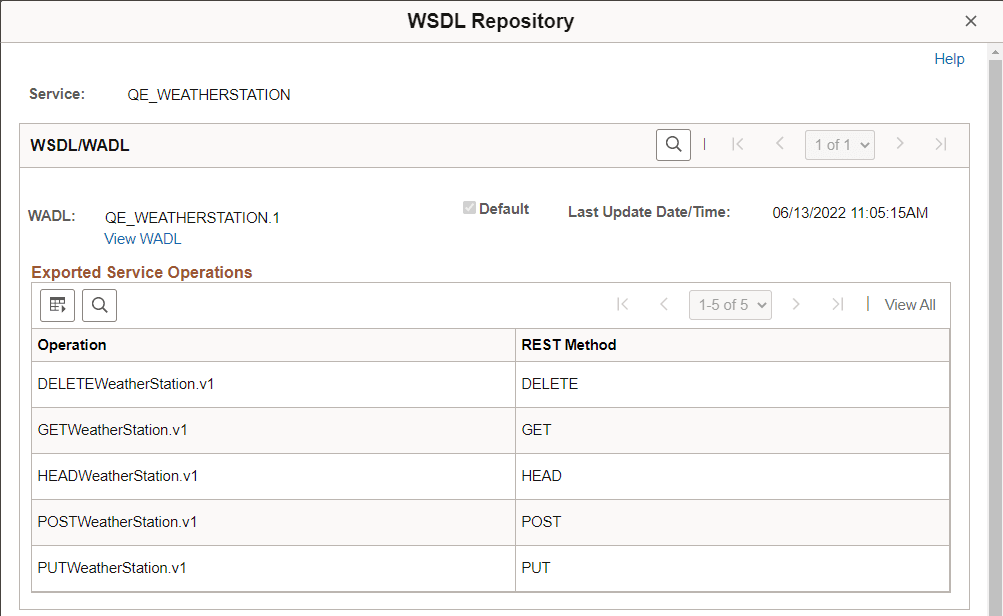
Click the View WADL link to display the WSDL Repository page (IB_SERVICEDEFN_SEC) and access any generated WADL documents for the service.
This example illustrates the WSDL Repository page. The example shows a link to view the WADL document for the QE_WEATHERSTATION service.
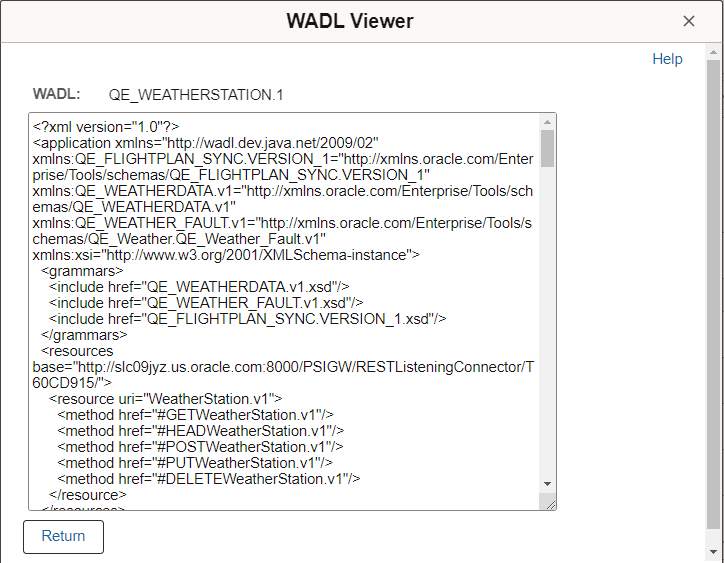
When you click the View WADL link on the WSDL Repository page, the WADL Viewer page (IB_SERVICEWSDL_SEC) appears and you can view the WADL document for the service.
This example illustrates the WADL Viewer page. The example shows the generated WADL document for the QE_WEATHERSTATION service appearing on the page.
To view a WADL document for a REST service:
-
Access the service definition ().
-
Click the View WADL link.
The WSDL Repository page appears.
-
Click the View WADL link.
The document appears in the WADL Viewer page.
-
Click the Return button to return to the WSDL Repository page.
-
Click the Return button again to return to the Services page.