Viewing Broadcast Logs
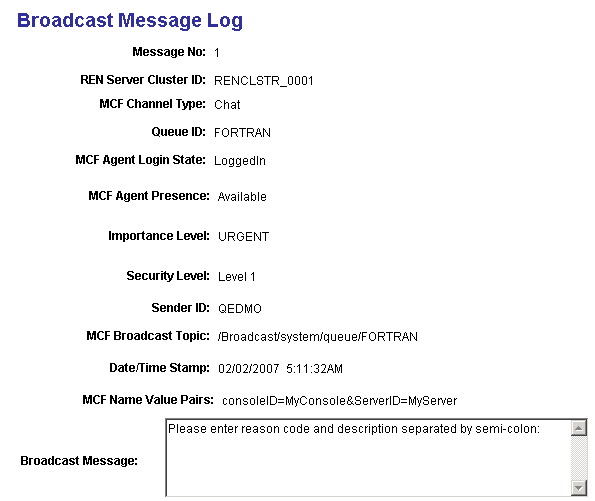
The broadcast log page displays detailed information about any broadcast messages that were sent.
Access the Broadcast Message Log page using the following navigation path:
You can also access the Broadcast Message Log page by searching by message number, queue ID, or REN cluster ID.
This example illustrates the details of a broadcast message on the Broadcast Message Log page.
Note:
To view the broadcast logs, set log_broadcast to Yes on the Cluster Tuning page. For this parameter to take effect, click Refresh logging parameters on the Cluster Notify page.
Related Topics