Describing the Detailed View of the Chart
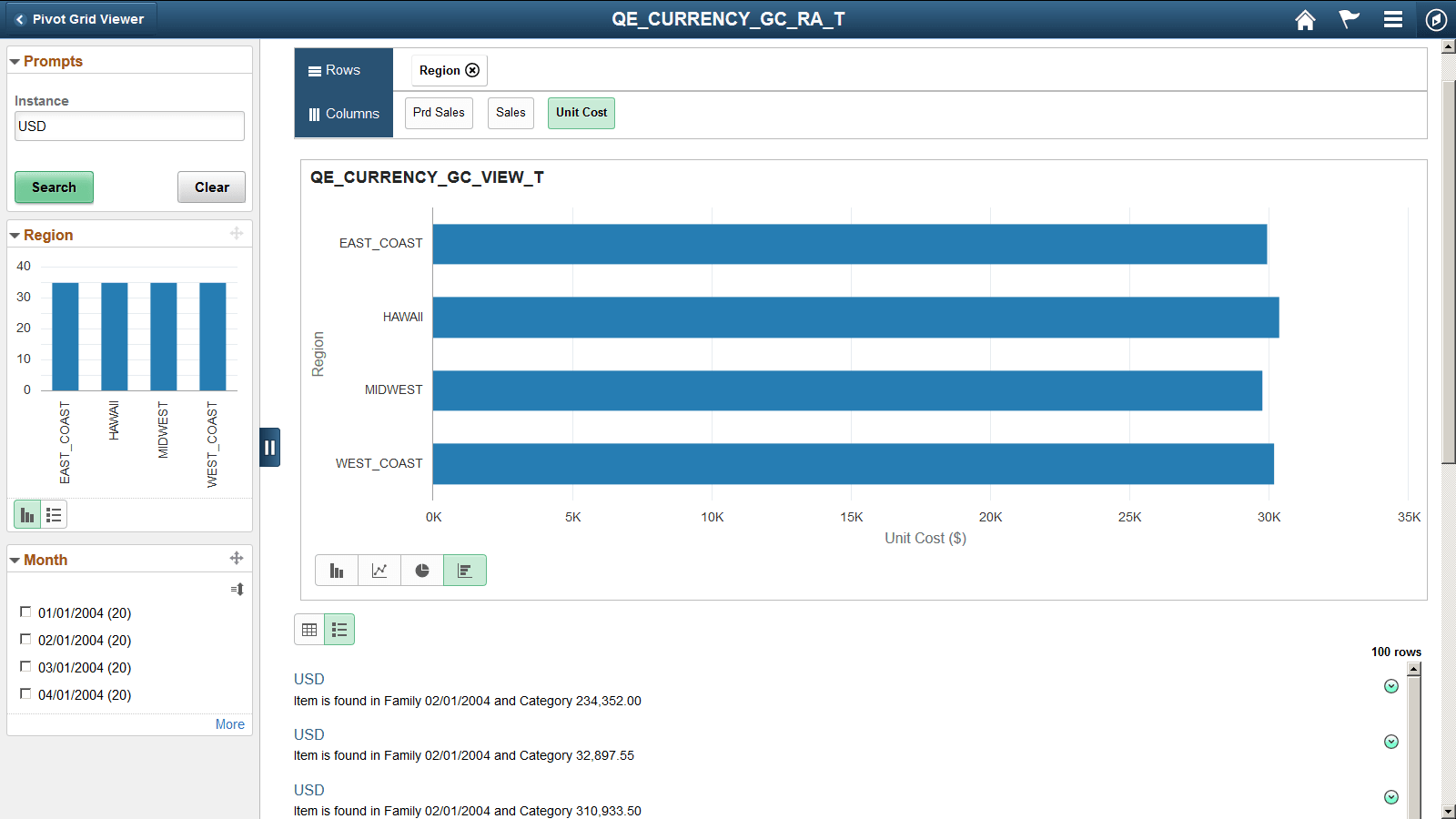
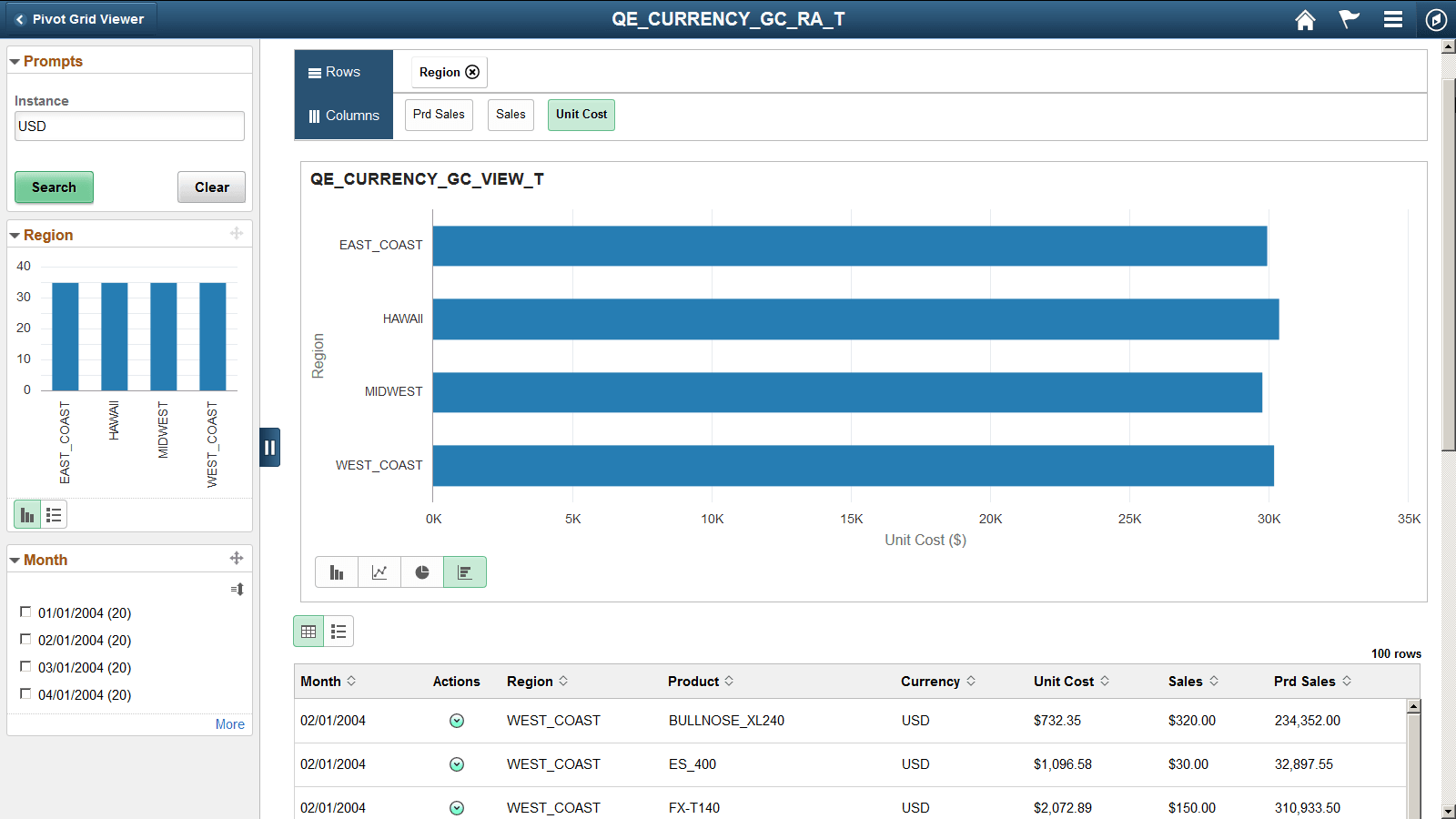
On a Chart Only model, the Detailed View appears below the chart on the fluid viewer. You can use the Grid and List buttons at the top left of the Detailed View to switch between the grid and the list views.
You can defer the detailed view from loading so that the chart model loads faster. Select the Hide Detailed View option on the Specify Data Model Options page in the Pivot Grid Wizard. Instead of the detailed view the grid and list icons are visible. Click to expand the view. See, Fluid Mode Options.
This example shows the model displaying the Detailed Grid View. It is displayed below the chart area on the fluid viewer.
This example shows the model displaying the Detailed List View. It is displayed below the chart area on the fluid viewer.