Describing the Detailed View on a Modal Window
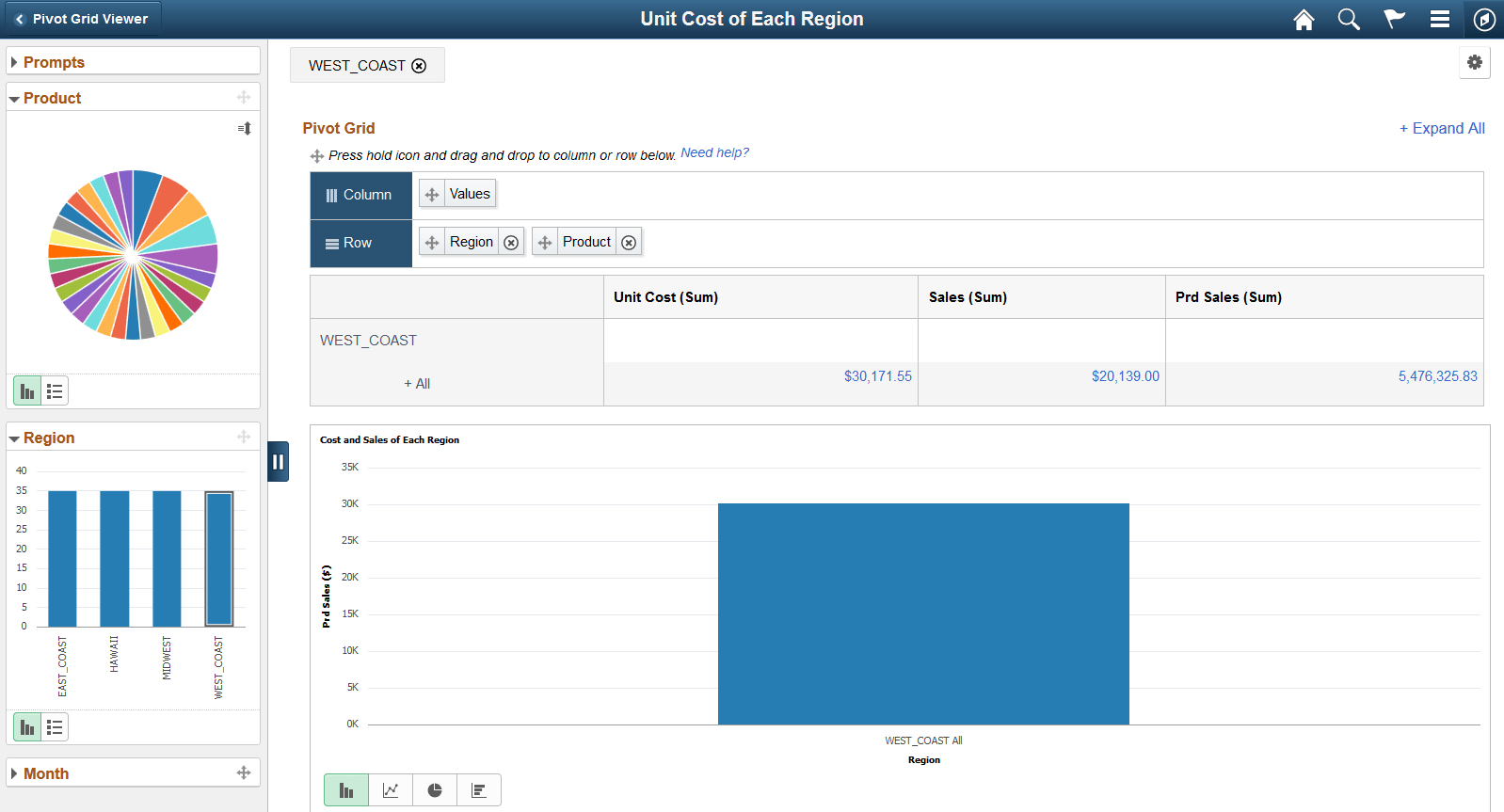
On a Pivot Grid and Chart model, the Detailed View does not appear below the Chart. Only when you click a data point on the grid or on the chart, the Detailed View appears on a modal window.
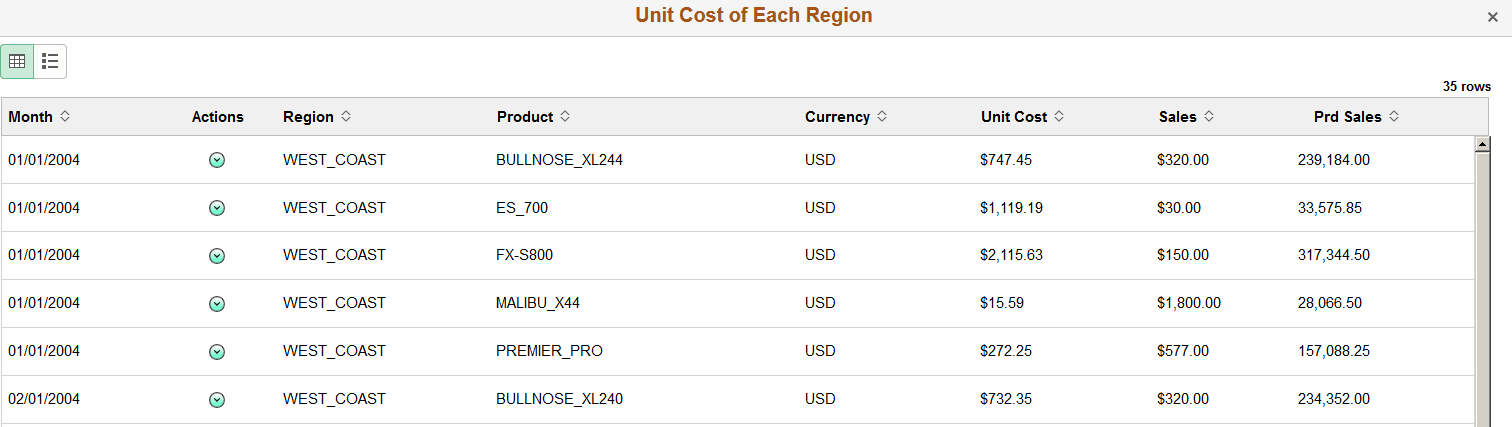
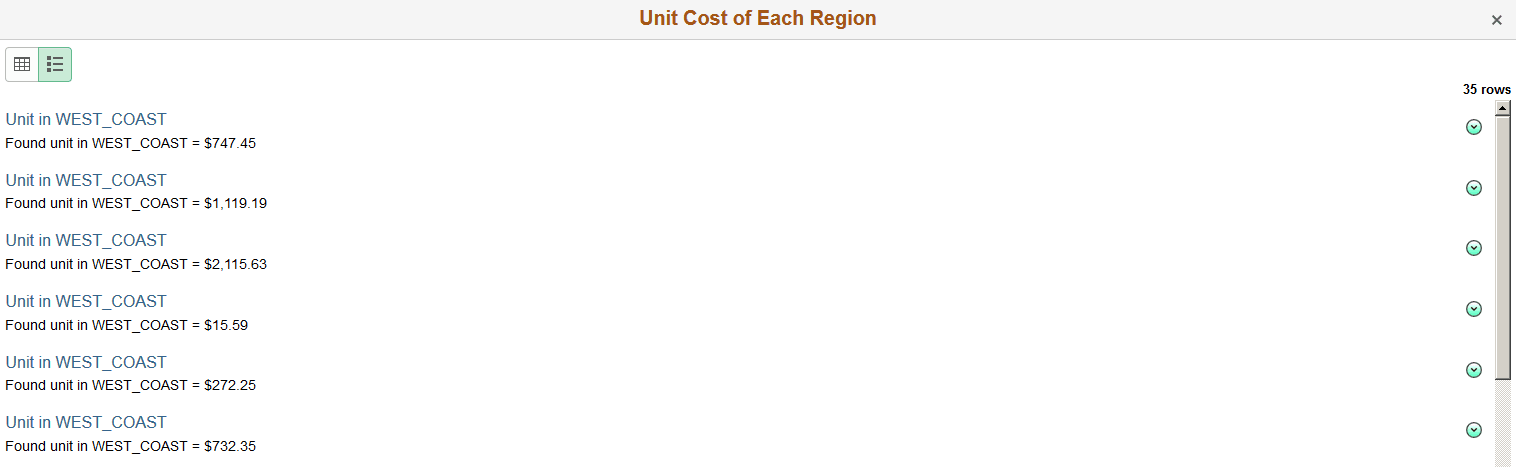
If the row level related actions are configured, a column displays the Actions menu.
This example shows the grid and chart view for a Pivot Grid and Chart model. The WEST_COAST bar on the Region filter is selected and highlighted.
This example shows the Detailed Grid View in a modal window when you select the WEST_COAST data point. When the row-level related action is configured, related action icons appear in the second column in the Detailed Grid View.
This example shows the Detailed List View in a modal window when you toggle to List button at the top left of the Detailed Grid View. When the row-level related action is configured, related action icons appear at the right of the Detailed View.
Related Topics